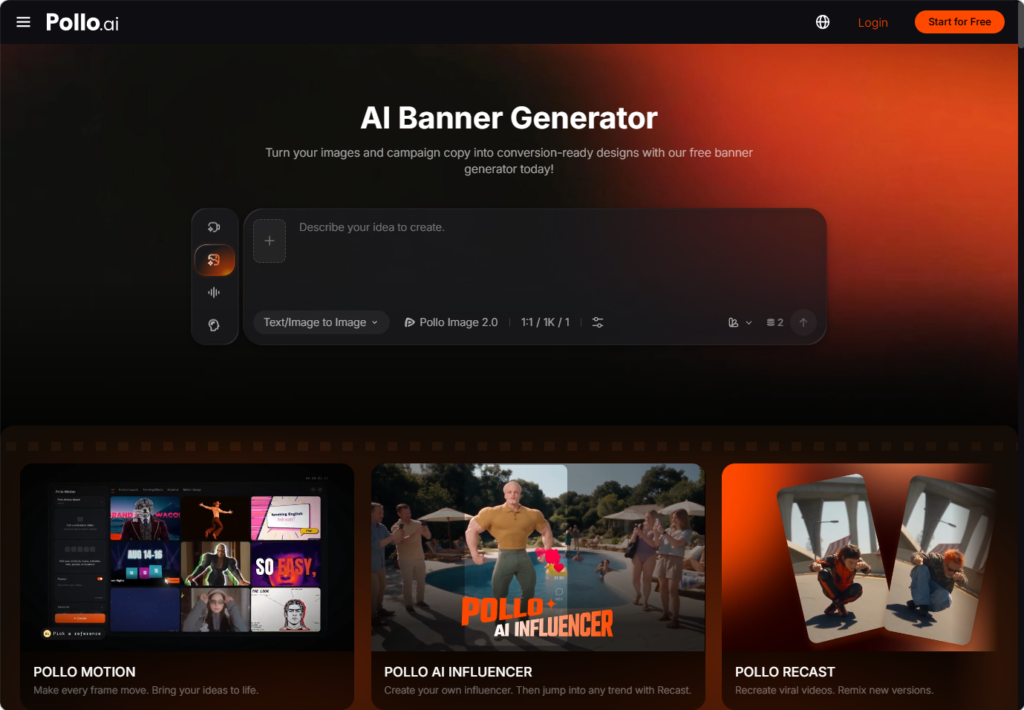
Small businesses often need promotional banners for social feeds, websites, email campaigns, and local advertising, but may not have a dedicated design team. Creating each version manually can lead to inconsistent layouts, unclear offers, and repeated editing work.
Pollo AI helps organize the process by turning a short campaign brief, product image, or brand asset into a usable promotional layout. This guide explains how to plan the message, create the main banner with the free AI banner generator by Pollo AI, and extend the campaign with product scenes and channel-specific variations.
Prepare the brand assets
Gather the logo, product images, approved colors, preferred type style, and campaign copy before generating the first design. Use official source files whenever product packaging, labels, or brand marks need to remain accurate.
A short brand note can define: Logo position, primary and supporting colors, headline style, product image direction, CTA treatment, and background preferences.
These rules do not need to make every banner identical. They simply give the campaign a recognizable foundation. A product launch may use a clean studio background, while a weekend promotion may use a brighter lifestyle image, but both should still look like they belong to the same business.
Generate the main promotional banner with the free AI banner generator
The first design should establish a clear hierarchy: Main headline, product or service image, key benefit or offer, price or timing, call to action. The product should remain the visual focus, while the text should be easy to scan. If the banner is intended for mobile users, avoid placing essential information in small type or near the edges. Once the campaign information and assets are ready, use Pollo AI’s free AI banner generator to explore the main layout.
Generate a few purposeful variations rather than a large group of unrelated concepts. You might compare a product-focused layout with a lifestyle version, or a discount-led headline with a benefit-led message. Keep the offer and factual details unchanged so the variations can be reviewed fairly.
Create product scenes for more visual variety
A product image on a plain background may accurately show the item, but it does not always explain how the product fits into an everyday setting. For a social promotion, a kitchen, home, studio, or seasonal scene can provide useful context while keeping the product as the main subject.
After choosing the main banner direction, create AI product staging images across Pollo AI to place the approved product image in a suitable environment. Describe the setting, lighting, surface, props, and mood instead of requesting a generic background.
Possible scenes include:
- A coffee product on a breakfast table
- A fitness item in a home workout space
- A skincare product on a bathroom counter
- A home accessory in a decorated room
- A seasonal product in a holiday setting
The generated scene should support the promotion without changing the product’s shape, packaging, or color. Compare the result with the original product image before using it in a banner.
Adapt the design to each channel
A square social post needs a large subject and short copy. A story format may place the headline above the product and the CTA below it. A homepage banner usually needs a wider composition, with the product on one side and open space for the message on the other.
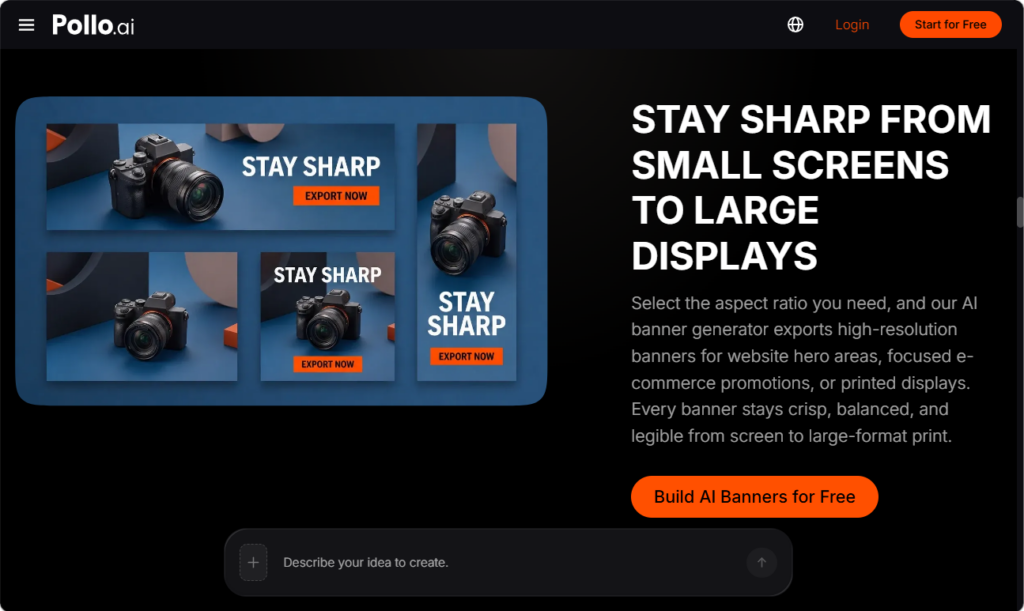
Once the main banner and any supporting product scene are approved, use them as visual references rather than stretching one file into every format. Adjust the hierarchy for each channel so the product, offer, and CTA remain easy to find.
Check the following before exporting:
- Whether the headline is readable on a phone
- Whether the product remains visible after cropping
- Whether the offer is easy to find
- Whether the CTA remains clear
- Whether the logo and colors are consistent
- Whether the design leaves enough space for platform controls
For print, also check resolution, margins, and color output. A banner that works well on a screen may need a separate version for physical display.
Review and organize the campaign
AI-generated visuals require a final accuracy check. Verify prices, dates, product names, URLs, QR codes, opening hours, and promotional terms. Product labels and small text should receive particular attention because they may not be reproduced accurately.
Review the banners together rather than approving each file separately. Look for differences in logo scale, color balance, product appearance, text density, and CTA placement.
Keep approved assets separate from drafts. Clear file names such as spring-sale-social-v2 or homepage-banner-final make it easier to identify the correct version when the promotion changes.
Summary and next steps
Small businesses can create more manageable promotional systems by starting with one verified offer and adapting it carefully for each channel. Use Pollo AI’s free AI banner generator to establish the main layout, then add AI product staging when a lifestyle context helps explain the product or offer. Review every version for accuracy, readability, and brand consistency before publishing.
Pollo AI gives lean teams a practical way to test banner concepts without rebuilding every format from the beginning. Start with one campaign, save the approved assets, and reuse the visual rules for future social and promotional content.