Introduction
If you want a government job in Kerala, you will apply through the Kerala Public Service Commission (Kerala PSC). All applications start on PSC Thulasi, the official online portal for one time registration, applications, admit cards and results.
This guide explains how to register, log in, use your profile and fix the most common problems candidates face.
- PSC Thulasi is the official Kerala PSC portal.
- You register once and use the same profile for all posts.
- Admit cards and results are available after login.
Table of Contents
What Is PSC Thulasi?
PSC Thulasi is the online recruitment system of the Kerala Public Service Commission. Candidates create a one time registration (OTR) profile, then use it to apply for any notified post without filling in their details again.
The official address is thulasi.psc.kerala.gov.in. Always use this official site and never share your password with anyone.
- OTR: one time registration profile.
- User ID and password: your login details.
- My Profile: your dashboard for applications.
How Does PSC Thulasi Work?
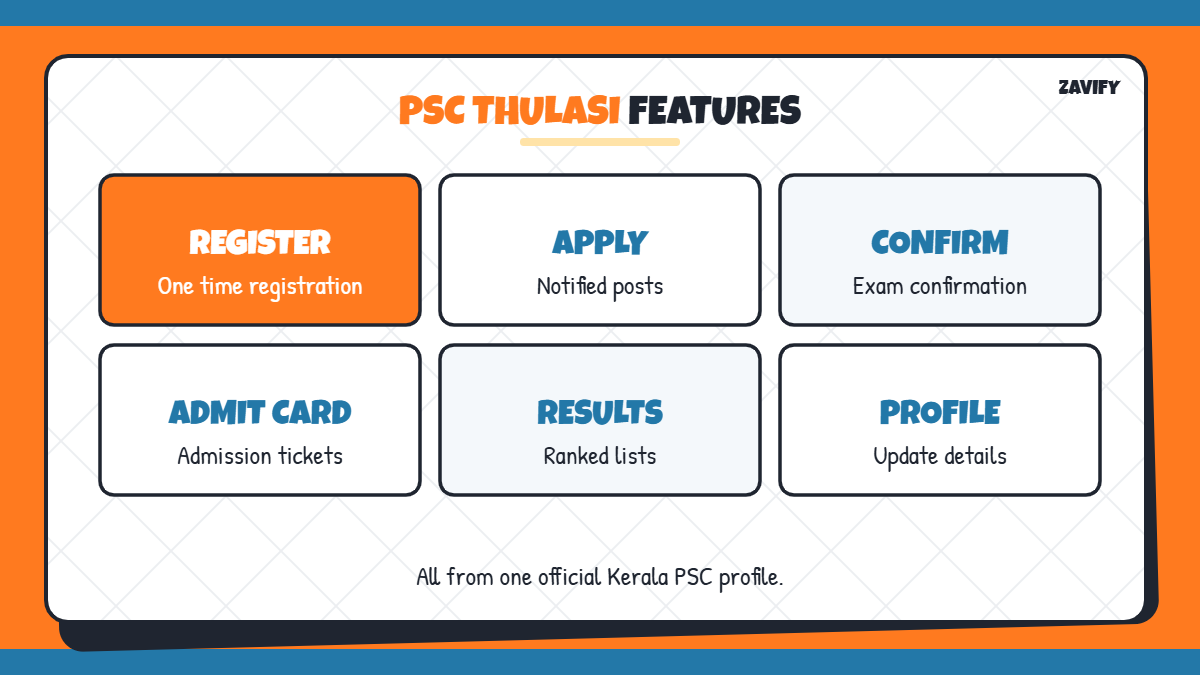
Here is a quick overview of what you can do on the portal:
| Task | Where on PSC Thulasi |
|---|---|
| One time registration | New registration link |
| Apply for posts | Notifications in My Profile |
| Submit confirmation | Applications section |
| Download admit card | Admission Tickets section |
| Check results | Results and ranked lists |
| Update details | Profile and education sections |
Now let us go through the process step by step.
1. Keep Your Documents Ready
Before registering, keep a valid photo ID (Aadhaar, Voter ID, PAN or driving licence), your educational certificates, caste or community details, a mobile number and an email address ready.
2. Prepare Your Photograph
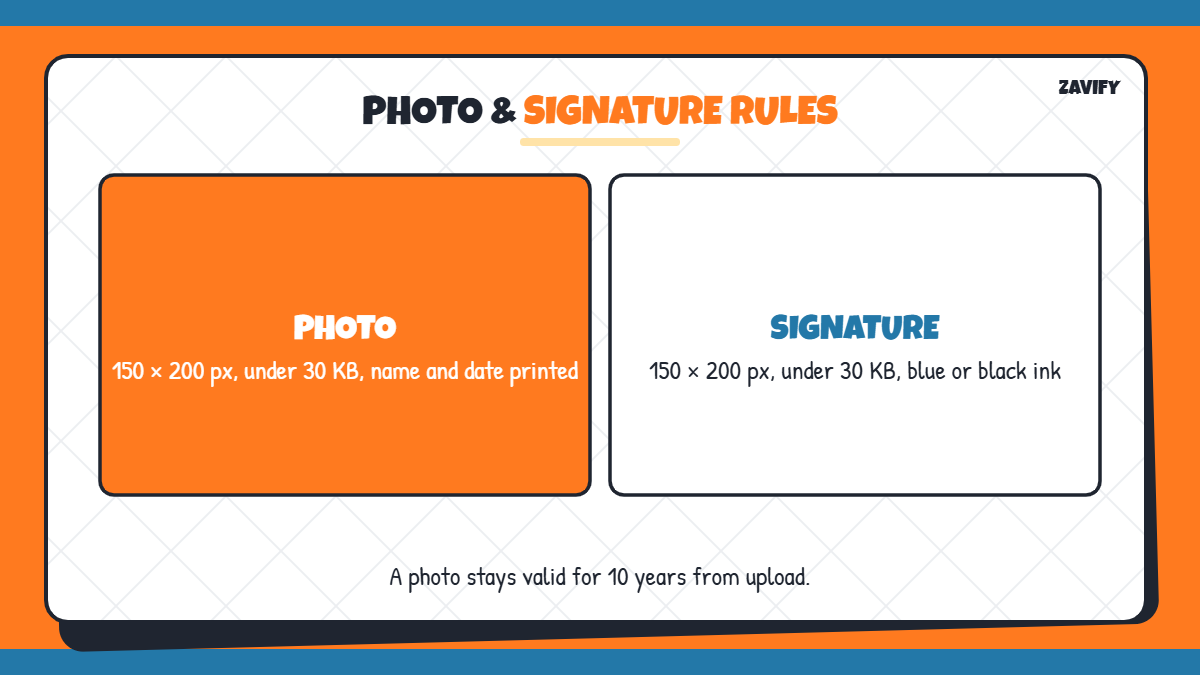
Your photo must be 150 × 200 pixels and under 30 KB, with a front-facing pose, light background and your name and date printed at the bottom. A photo remains valid for 10 years from upload.
3. Prepare Your Signature
Sign in blue or black ink on white paper, then scan it to 150 × 200 pixels and under 30 KB. Make sure the signature is clear and not cut off.
4. Complete One Time Registration
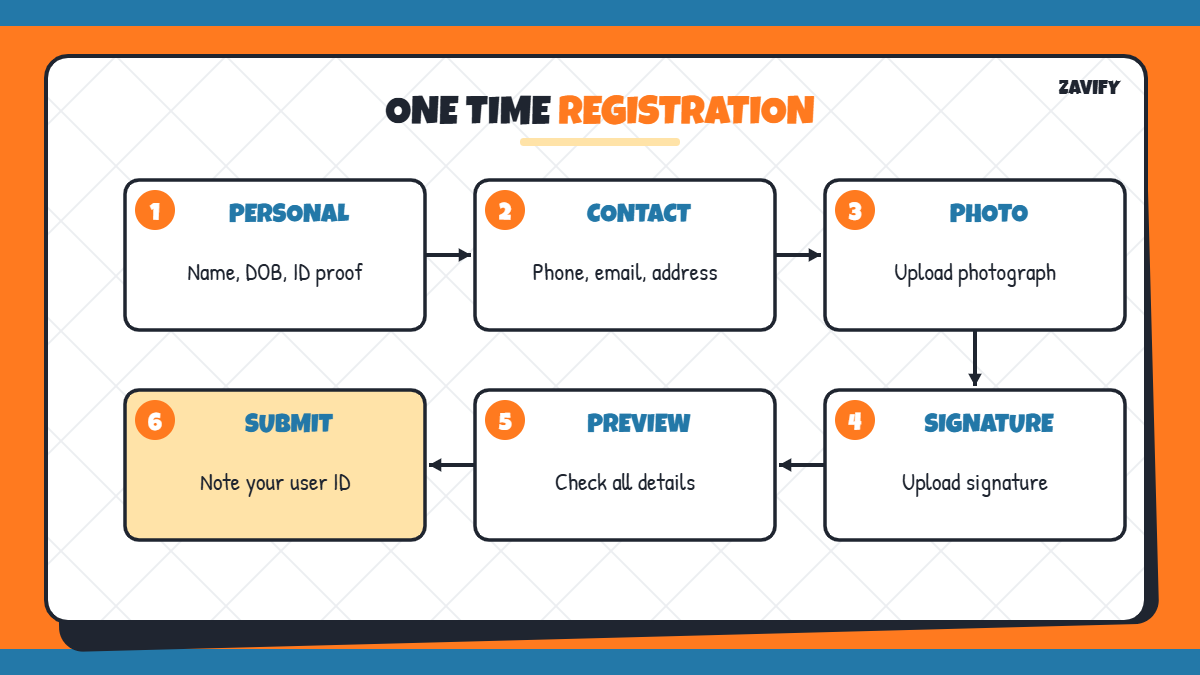
Open PSC Thulasi and click the new registration link. Fill in personal details, communication details, upload your photo and signature, then preview and submit. Note your user ID carefully.
5. Log In to Your Profile
Enter your user ID, password and the access code shown on screen. Both user ID and password are case-sensitive, so type them exactly.
6. Complete Your Profile Details
After the first login, add your educational qualifications, experience and other details. A complete profile avoids problems when you apply for posts.
7. Apply for Notified Posts
Go to the notifications section, find a post you are eligible for and click Apply Now. Read the notification carefully for age limits, qualifications and last dates.
8. Submit Confirmation When Required
For many exams, Kerala PSC asks candidates to submit a confirmation within a set period. If you do not confirm on time, you may not receive an admit card, so watch your profile and messages closely.
9. Download Admit Cards and Check Results
Admit cards appear in your PSC Thulasi profile before each exam. After the exam, you can check answer keys, results and ranked lists through the same portal.
What You Can See in Your PSC Thulasi Profile
Once registered, your profile becomes the centre of your Kerala PSC journey. It lists every post you have applied for, shows the status of each application and displays notifications about confirmations, exam dates and document verification. You can also view your exam history and download admission tickets for upcoming tests.
- Applied posts and their status.
- Confirmation reminders and deadlines.
- Admission tickets for upcoming exams.
- Results, ranked lists and short lists.
Kerala PSC Exam Stages After Applying
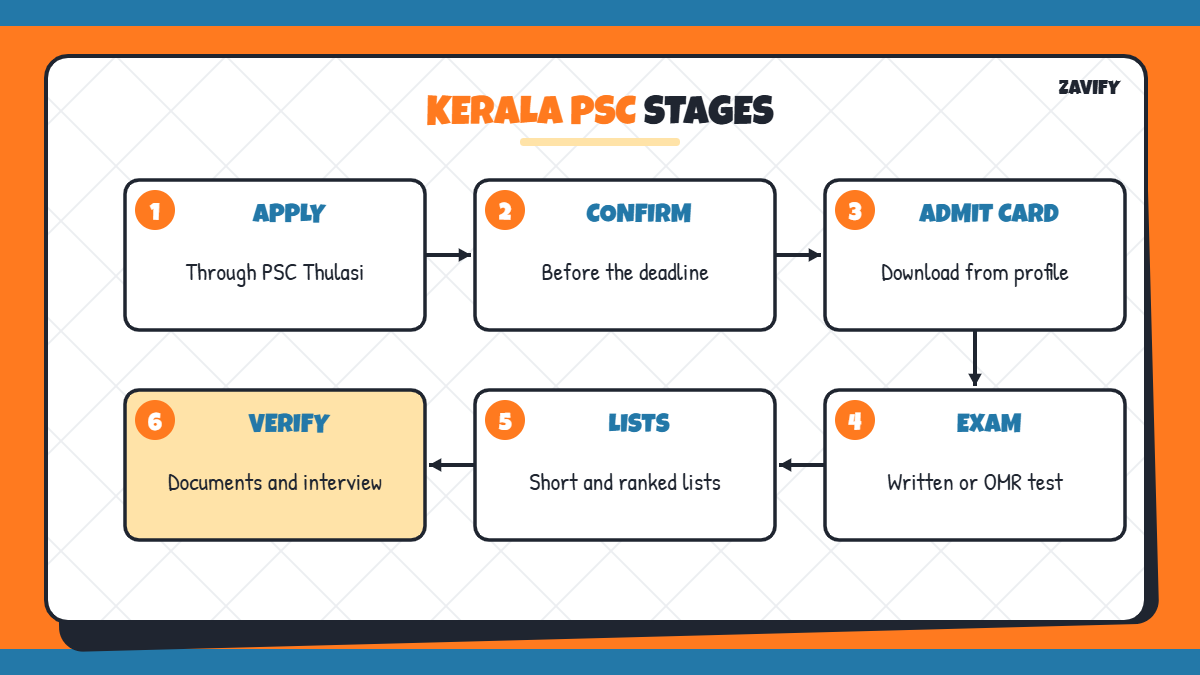
After you apply through PSC Thulasi, most recruitments follow a similar path: confirmation, admit card release, written exam or OMR test, answer key, short list and ranked list, followed by document verification and interview for some posts. Each stage is announced on the official site and in your profile, so check both regularly.
How to Recover a Forgotten Password
If you forget your password, use the forgot password option on the login page. You will usually need your registered mobile number or email to reset it. Keep these contact details updated in your profile to avoid being locked out.
- Use the registered mobile number or email.
- Create a strong password you can remember.
- Never share your login details.
Tips for Using PSC Thulasi Safely
Log out after every session, especially on shared or café computers. Check the notification and your profile regularly, because important updates such as confirmation deadlines and exam dates are posted there. Keep printouts of submitted applications for reference.
Common Mistakes on PSC Thulasi
Candidates often face problems because of these mistakes:
- Uploading a photo without name and date.
- Using the wrong photo or signature size.
- Creating duplicate registrations.
- Missing the confirmation deadline.
- Entering incorrect qualifications.
Frequently Asked Questions
What is PSC Thulasi?
It is the official Kerala PSC portal for one time registration, applications, admit cards and results.
What is the official PSC Thulasi website?
The official site is thulasi.psc.kerala.gov.in.
What is the photo size for Kerala PSC?
The photo should be 150 × 200 pixels and under 30 KB, with name and date printed at the bottom.
Can I create two PSC Thulasi profiles?
No. Duplicate registrations are not allowed and can lead to rejection.
Where can I download my Kerala PSC admit card?
Log in to your PSC Thulasi profile and open the admission tickets section.
Is PSC Thulasi registration free?
Yes. One time registration and applying for posts through Kerala PSC do not require an application fee for most notifications. Always check the specific notification for any exceptions.
Conclusion
PSC Thulasi is your gateway to Kerala government jobs. Complete one time registration carefully, keep your profile updated, apply on time and submit confirmations before the deadline.
With the right documents and regular profile checks, you can manage every stage of Kerala PSC recruitment from one place. For more career guidance, read our guide on exam strategy.