Introduction
Students of Rajiv Gandhi University of Health Sciences (RGUHS), Karnataka, often search for EMS results after their exams. RGUHS publishes results for medical, dental, nursing, pharmacy, physiotherapy and AYUSH courses through its online examination system.
This guide explains where to check EMS results, what login details you need, how to read your marksheet and how revaluation works.
- EMS results are published by RGUHS online.
- You usually need your registration number.
- Results are released course by course.
Table of Contents
What Are EMS Results?
EMS results refer to exam results published through the RGUHS online examination and results system. The university uses this system to manage exam applications and publish results for thousands of health sciences students across Karnataka.
This article is an independent guide. Always rely on the official RGUHS website and notices for final results.
- University: Rajiv Gandhi University of Health Sciences.
- Login: registration number (and sometimes date of birth).
- Courses: MBBS, BDS, B.Sc Nursing, B.Pharm, BPT and more.
How Do EMS Results Work?
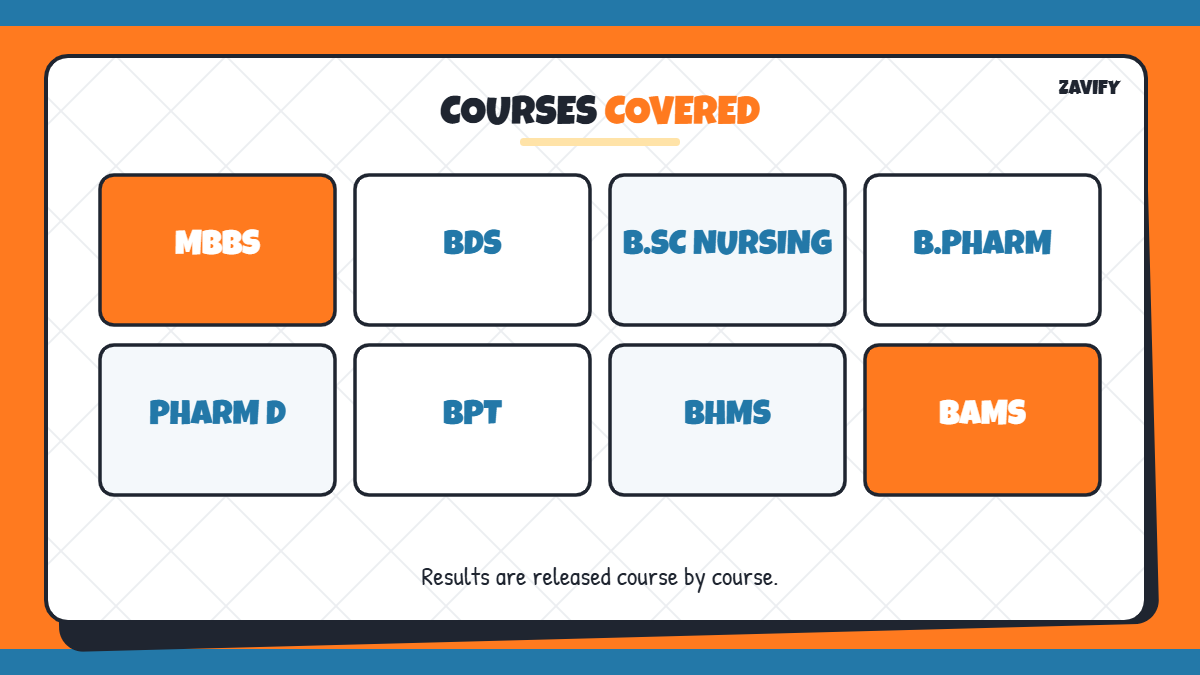
Here is a quick overview of the courses and details involved in the result process:
| Item | Details |
|---|---|
| Official source | RGUHS website and result portal |
| Login details | Registration number, sometimes date of birth |
| Courses | MBBS, BDS, B.Sc Nursing, B.Pharm, BPT, BHMS |
| Result shows | Subject-wise marks, total and pass/fail status |
| After result | Revaluation or answer script request |
Now let us go through the steps one by one.
1. Keep Your Registration Number Ready
Your registration number is printed on your hall ticket and college records. Keep it ready before you open the result page.
2. Visit the Official RGUHS Website
Go to the official RGUHS website and open the results section. The university also shares result links through its official portals and college notices.
3. Select Your Faculty
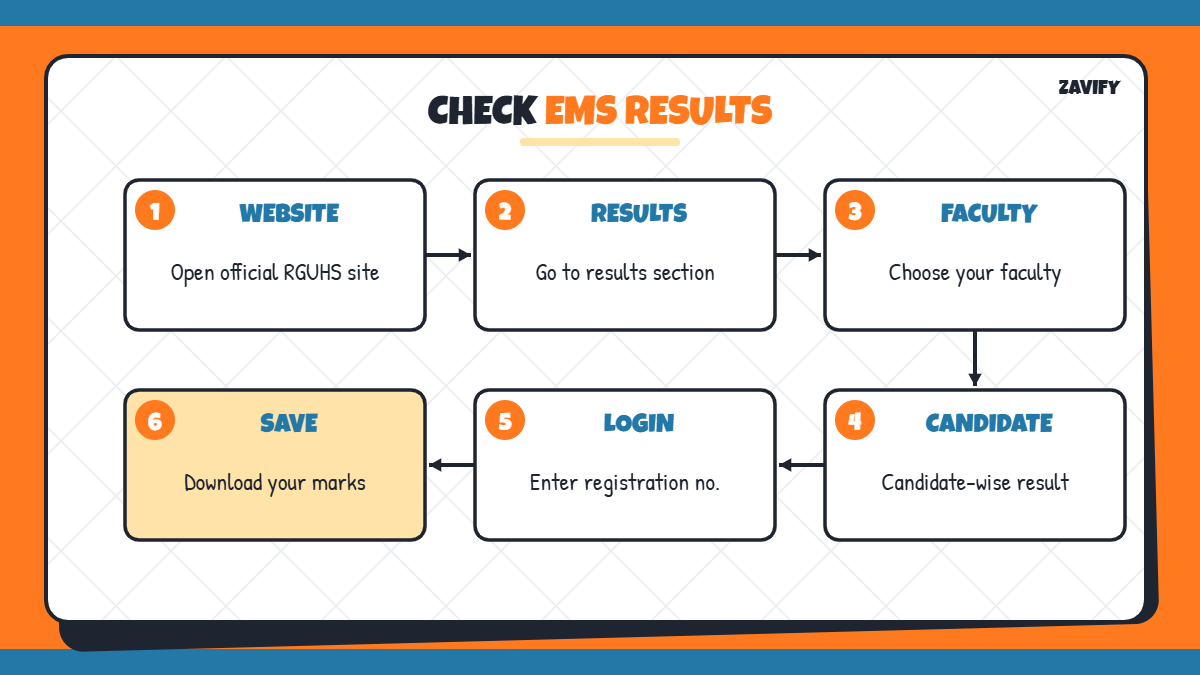
Choose your faculty, such as Medical, Dental, Nursing, Pharmacy, Allied Health or AYUSH. This takes you to the result list for that faculty.
4. Choose Candidate-Wise Result
Select the candidate-wise result option to see your individual marks rather than the full college list.
5. Enter Your Login Details
Type your registration number, and your date of birth if asked, then submit. Double-check the number before clicking.
6. View Your Marks
Your result will show your name, registration number, subject-wise marks, total marks and pass or fail status.
7. Download and Save the Result
Download or print your result for your records. The online result is provisional until your college issues the official marks card.
8. Apply for Revaluation if Needed
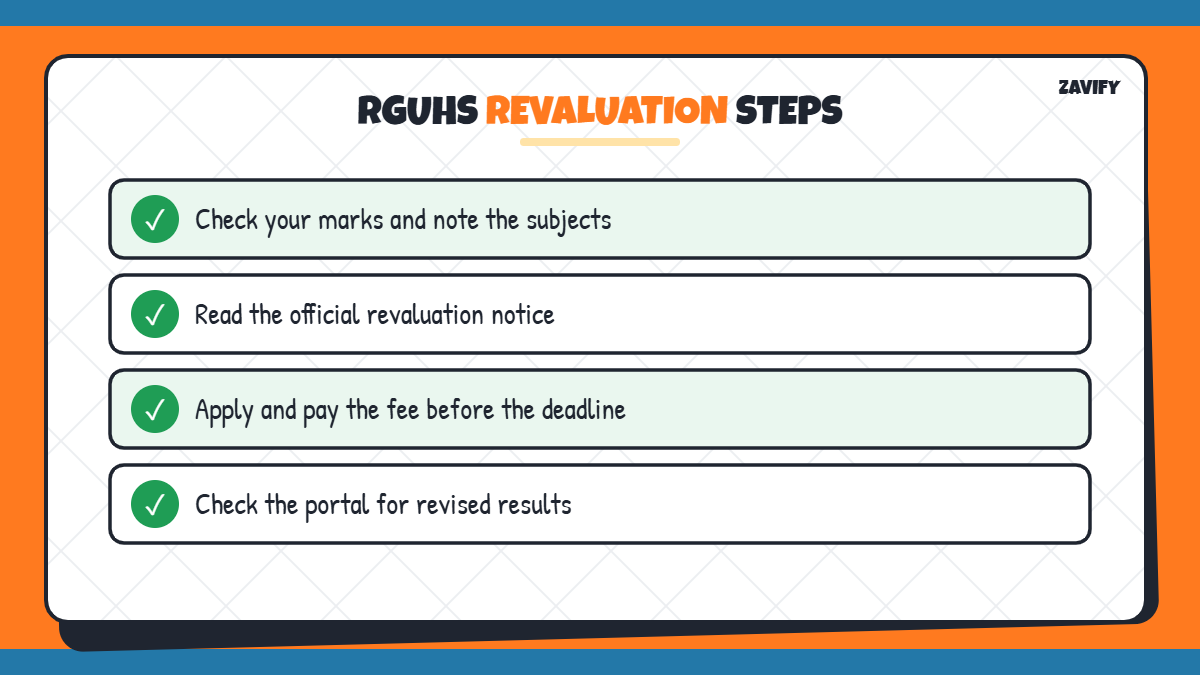
If you are not satisfied with your marks, you can apply for revaluation or request a copy of your answer script within the deadline announced by RGUHS. Check the official notice for fees and dates.
9. Check Revised Results
After revaluation, the university publishes revised marks. Check the portal again and download the updated result once it is available.
Courses Covered by EMS Results
RGUHS covers a wide range of health sciences programmes, so results are released at different times for different courses. Common courses include MBBS, BDS, B.Sc Nursing, B.Pharm, Pharm D, BPT, BHMS, BAMS and allied health sciences. Postgraduate results are also published through the same system.
- Undergraduate medical and dental courses.
- Nursing and allied health programmes.
- Pharmacy and AYUSH courses.
Understanding Your RGUHS Marks Card
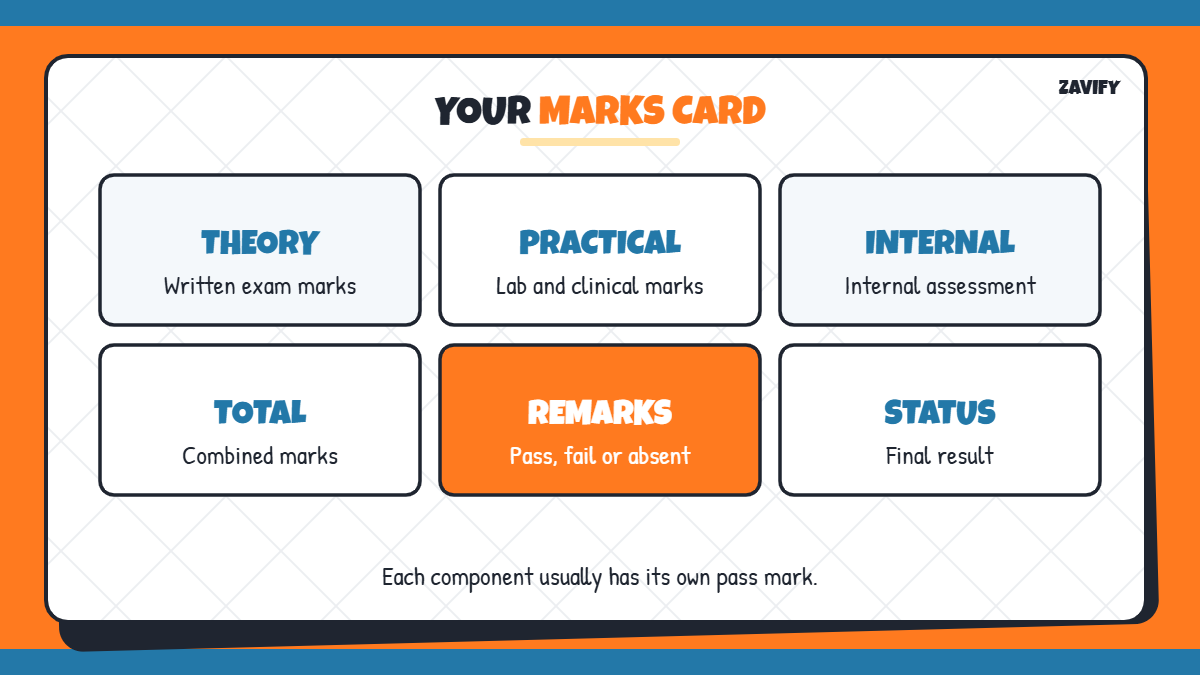
Your result lists each subject with its theory and practical marks, internal assessment marks and the total. For many courses, you must pass theory and practical components separately, so a good total alone may not be enough. Read the remarks column carefully: it shows whether you passed, failed or were absent in each subject.
- Theory, practical and internal marks are listed separately.
- Minimum pass marks apply to each component.
- The remarks column shows your final status.
Tips for Result Day
Result days are busy, and the official website may load slowly when thousands of students log in at once. Keep your registration number saved on your phone, try again during quieter hours such as early morning, and ask your college exam section if you cannot access your marks. Share only official links with classmates to avoid fake result pages.
Remember that the university may release different faculties on different days. If your friend in another course has received a result, yours may still be pending, so keep checking the official notices.
What to Do if EMS Results Are Not Showing
If your result does not appear, the result for your course may not be declared yet, or the website may be busy. Try again after some time, use a different browser and confirm your registration number. If the problem continues, contact your college examination section.
Common Mistakes When Checking EMS Results
Students often get confused because of these mistakes:
- Selecting the wrong faculty or course.
- Typing the registration number incorrectly.
- Using unofficial websites for results.
- Missing the revaluation deadline.
- Not saving a copy of the result.
Frequently Asked Questions
What are EMS results?
EMS results are RGUHS exam results published through the university’s online examination and results system.
Where can I check EMS results?
Check them on the official RGUHS website under the results section.
What details do I need to check EMS results?
You need your registration number, and sometimes your date of birth.
Which courses are covered by EMS results?
MBBS, BDS, B.Sc Nursing, B.Pharm, BPT, BHMS, BAMS and other health sciences courses.
How do I apply for RGUHS revaluation?
Apply online within the deadline announced after the result, following the official RGUHS notice for fees.
Is the online RGUHS result valid for admission or jobs?
The online result is provisional. For official purposes, use the marks card issued through your college after the university releases it. Keep a printed copy of the online result until then.
How long does RGUHS revaluation take?
It depends on the course and session. The university publishes revised results after revaluation is complete, so keep checking the official portal and notices.
Conclusion
Checking EMS results is simple once you know the steps. Keep your registration number ready, choose the correct faculty, open the candidate-wise result and download your marks.
Use only official RGUHS sources, apply for revaluation on time if needed and keep copies of every result. For more help with grades, read our CGPA to percentage guide.