Introduction
There are now hundreds of AI apps aimed at students, and most of them promise better grades. A few really do save hours every week. Many others repeat what a free chatbot already does, and some encourage shortcuts that can get you into trouble.
This guide covers 15 AI tools for students, grouped by the job they do: studying, writing, research, note-taking and presentations. You will also find a simple way to choose between them and clear rules for using them honestly.
- You only need three or four tools, not fifteen.
- Free versions are enough for most coursework.
- Your college’s AI policy decides what is allowed, so check it first.
Table of Contents
What Are AI Tools for Students?
AI tools for students are apps that use artificial intelligence to help with learning tasks: explaining a concept, quizzing you, checking grammar, summarizing a long reading, transcribing a lecture or drafting slides. Most are built on large language models, which predict helpful text from your instructions.
They work best as a tutor or assistant. They explain, question and organize; you still do the thinking, the writing and the fact-checking. Used that way, they can make study time more effective. Used to produce work you hand in as your own, they can break academic integrity rules.
How to Choose AI Tools for Students
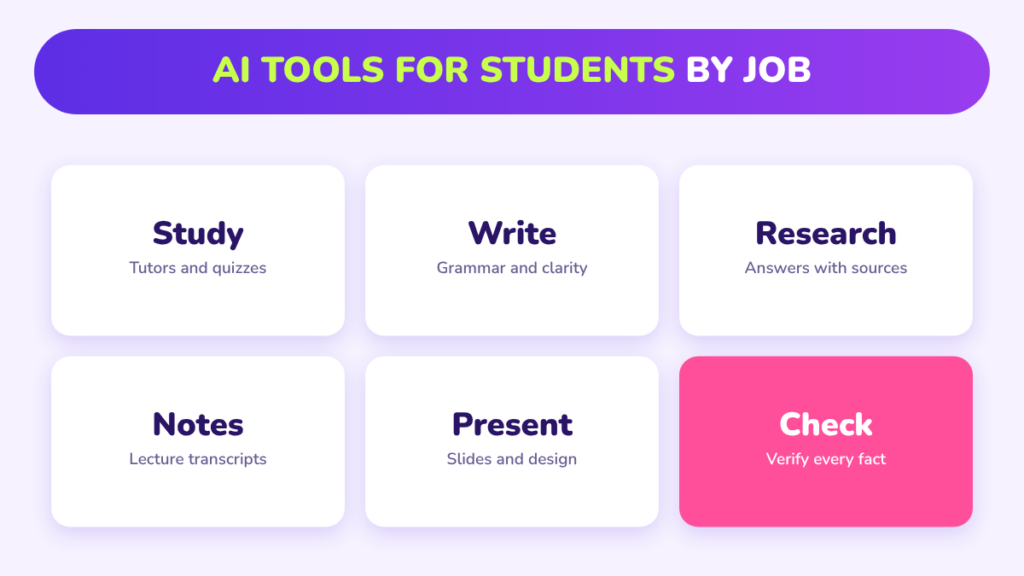
| Your need | Tool type | What to look for |
|---|---|---|
| Understand hard topics | AI chat assistant or tutor | Step-by-step explanations, follow-up questions |
| Remember material | Flashcard and quiz tools | Spaced repetition, quizzes from your own notes |
| Write better | Writing assistant | Grammar and clarity feedback, not full rewriting |
| Research faster | AI search and paper tools | Sources and citations you can check |
| Capture lectures | Transcription and notes | Accurate transcripts, searchable summaries |
| Present ideas | Slide and design tools | Editable templates, export options |
Prices, limits and features of AI tools for students change often, and many tools have student discounts. Check each tool’s own website for current plans before you pay for anything.
AI Tools for Students: Studying and Tutoring
1. ChatGPT. A general assistant that explains concepts, creates practice questions and gives feedback on your reasoning. Best for: quick explanations in any subject. Tip: ask it to quiz you instead of giving answers.
2. Claude. A general assistant known for handling long documents and careful writing feedback. Best for: working through long readings and essays. Tip: upload your own notes and ask where your understanding is weak.
3. Google Gemini. Google’s assistant, which works alongside Docs, Gmail and other Google apps. Best for: students who already live in Google Workspace. Tip: use it to turn a document into a study outline.
4. Khanmigo. Khan Academy’s AI tutor, designed to guide you to the answer with hints rather than hand it over. Best for: math and science practice. Tip: treat it like office hours and explain your steps.
5. Quizlet. A flashcard platform with AI features that build study sets and practice tests from your material. Best for: memorizing terms, formulas and vocabulary. Tip: review a little every day rather than cramming.
AI Tools for Students: Writing and Math
6. Grammarly. Checks grammar, clarity and tone as you write, and explains its suggestions. Best for: polishing essays and emails you wrote yourself. Tip: read each suggestion; do not accept everything automatically.
7. Microsoft Copilot. Built into Word, PowerPoint and other Microsoft 365 apps at many colleges. Best for: students whose school provides Microsoft 365. Tip: ask for an outline, then write the paragraphs yourself.
8. Wolfram Alpha. A computational engine that solves math and science problems and shows the steps. Best for: checking calculations in math, physics and chemistry. Tip: solve the problem first, then use it to check your work.
AI Tools for Students: Research
9. Perplexity. An AI search engine that answers questions with links to its sources. Best for: getting an overview of a new topic quickly. Tip: open the sources and cite those, never the AI summary.
10. NotebookLM. Google’s research notebook: you upload your own sources and it answers questions only from them. Best for: studying from your own readings and lecture slides. Tip: add the course readings and ask for a study guide with page references.
11. Elicit. A research assistant that searches academic papers and summarizes their findings in a table. Best for: literature reviews and finding evidence. Tip: read the papers behind any claim you plan to use.
AI Tools for Students: Notes and Lectures
12. Otter. Records and transcribes lectures and meetings, then produces summaries. Best for: long lectures and group project meetings. Tip: always get permission before recording a class.
13. Notion AI. AI features inside the Notion workspace for summarizing notes and organizing tasks. Best for: keeping notes, deadlines and projects in one place. Tip: build one page per course with a weekly review.
AI Tools for Students: Presentations and Design
14. Gamma. Creates a first draft of slides from an outline or document. Best for: turning a report into a presentation quickly. Tip: rewrite the text in your own words and cut slides that add nothing.
15. Canva. A design platform with AI features for slides, posters and social graphics. Best for: polished visuals without design training. Tip: choose one template and keep fonts and colours consistent.
A Simple Starter Stack of AI Tools for Students
| Job | Pick one | Why |
|---|---|---|
| Explain and quiz | A general AI assistant | Covers most study questions |
| Research | A source-based tool such as NotebookLM or Perplexity | Shows where information comes from |
| Writing check | A grammar assistant | Improves your own writing |
| Slides | A presentation or design tool | Saves formatting time |
Four AI tools for students cover almost everything. Add a transcription or flashcard tool only if your courses need it.
How to Use AI Tools for Students Without Cheating
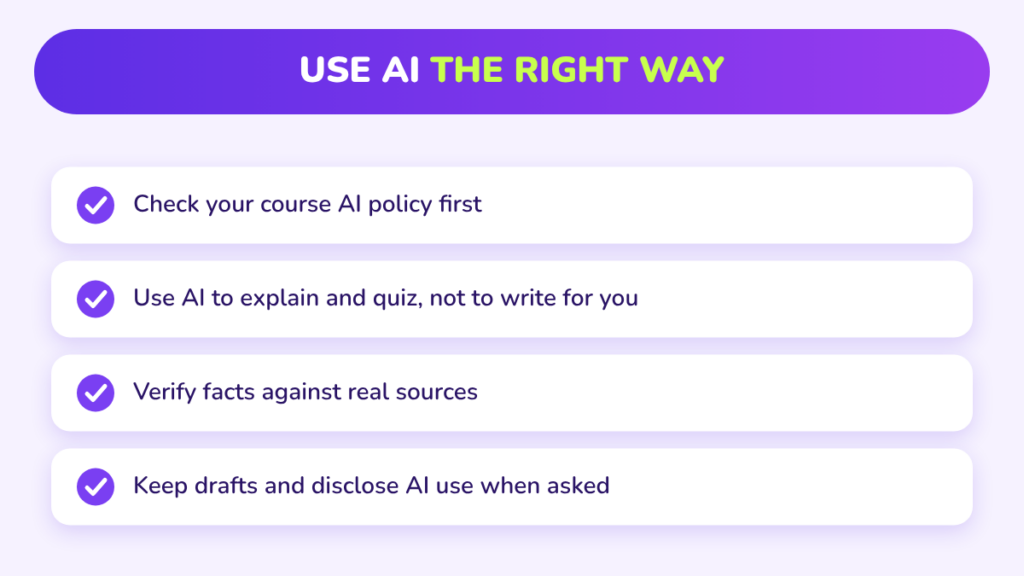
Rules differ between colleges, courses and even assignments, so the syllabus is the first place to look. As a general guide:
- Usually fine: explaining concepts, practice questions, grammar checks, brainstorming, study plans.
- Ask first: outlining an essay, summarizing assigned readings, help with code.
- Usually not allowed: submitting AI-written text or answers as your own work.
When you do use AI, say so if your instructor asks for disclosure, and keep your drafts and notes as proof of your process. UNESCO has published guidance for generative AI in education and research that many institutions draw on.
Accuracy and Privacy
Even the best AI tools for students can state wrong facts confidently and sometimes invent sources. Check anything important against your textbook, lecture notes or the original paper. Never cite an AI summary as a source.
Think about privacy too. Avoid uploading other people’s personal information, unpublished research data or exam materials. Read what each tool does with your uploads, and use your college’s licensed versions when available, since they often have stronger protections.
Example: A Week With AI Tools
Jordan is taking biology, statistics and a writing course. On Monday, Jordan uploads the biology readings to a research notebook and asks for a study guide. On Wednesday, an AI assistant creates ten practice questions on hypothesis testing and explains the two Jordan gets wrong. On Thursday, Jordan writes an essay draft alone, then uses a grammar assistant to tighten it. On Sunday, a slide tool turns the essay outline into a first draft of a presentation, which Jordan rewrites. Total time saved: several hours, with all the thinking still done by Jordan.
How AI Tools for Students Can Help Your Grades
AI does not raise grades by itself; better study habits do. The students who benefit most use these tools to practise more, get feedback sooner and stay organized. Track the results with our college GPA calculator, and use the final grade calculator to see what you need on upcoming exams. If you are building something with AI for a class, our AI project ideas for students has 15 options by level, and our guide to AI in marketing shows how these skills carry into careers.
Common Mistakes
- Signing up for too many AI tools for students and mastering none.
- Trusting AI answers without checking them.
- Pasting assignments in and submitting the output.
- Paying for premium plans before testing free ones.
- Ignoring the course AI policy.
Frequently Asked Questions
What are the best AI tools for students?
A general AI assistant, a source-based research tool, a grammar assistant and a slide tool cover most needs.
Are there free AI tools for students?
Yes. Most tools in this list have a free version, and many colleges provide licensed access. Check current plans on each tool’s website.
Is using AI for homework cheating?
It depends on your course rules. Using AI to learn is usually fine; submitting AI-generated work as your own usually is not.
Can professors detect AI writing?
Sometimes. Detection tools are imperfect, but instructors also notice changes in style and may ask you to explain your work.
Which AI tool is best for math?
A computational tool such as Wolfram Alpha for checking steps, and an AI tutor for hints.
Do AI tools replace studying?
No. They make practice and feedback faster, but you still need to do the learning.
Conclusion
The best AI tools for students are the few you use well. Pick one tool for each job, check every fact, follow your course policy and keep the thinking your own.
Start with a free assistant and a research notebook this week, and add others only when you need them. For more, read our AI project ideas and math skills guide.