Introduction
If you are studying with IGNOU (Indira Gandhi National Open University), your IGNOU grade card is the most important document to keep track of your progress. It shows the marks you obtained in assignments and term end examinations, the grade for each course and whether each course is completed.
Many students get confused by the codes, statuses and missing marks on the grade card. In this guide, you will learn how to check it, how to read it, and what to do if something looks wrong.
- The grade card is available online, free of cost.
- You only need your enrolment number and programme code.
- It updates after each result and assignment evaluation.
Table of Contents
What Is the IGNOU Grade Card?
The IGNOU grade card is an online record of your academic performance in every course of your programme. Unlike a single marksheet, it keeps updating as new marks are added. It combines your assignment marks and term-end examination (TEE) marks into one final grade for each course.
Your final course result is calculated with 70% weight for the TEE and 30% for assignments or practicals. The grade card also shows a completion status for each course.
- Enrolment number: your unique IGNOU ID.
- Course code: the code for each subject.
- Marks and grade: assignment, TEE and final grade.
- Status: Completed or Not Completed.
How Does the IGNOU Grade Card Work?
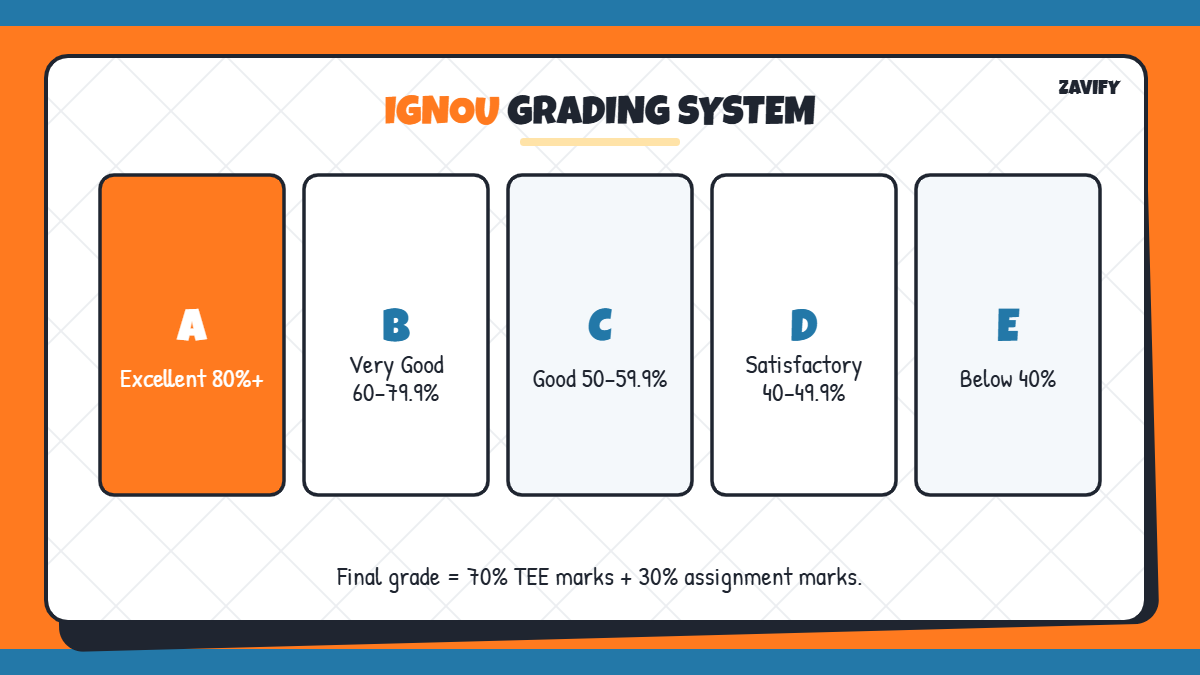
IGNOU uses a five-point letter grade system based on your combined percentage:
| Grade | Meaning | Percentage |
|---|---|---|
| A | Excellent | 80% and above |
| B | Very Good | 60% to 79.9% |
| C | Good | 50% to 59.9% |
| D | Satisfactory | 40% to 49.9% |
| E | Unsatisfactory | Below 40% |
Now let us go through how to check your IGNOU grade card step by step.
1. Keep Your Enrolment Number Ready
Your enrolment number is printed on your ID card and admission confirmation. It is usually a 9 or 10 digit number, and you cannot check your marks without it.
2. Visit the Official IGNOU Website
Open the official IGNOU website at ignou.ac.in and go to the Student Support section, or open the grade card portal directly. Avoid unofficial sites that ask for personal details or payment.
3. Choose Your Programme Category
Select whether your programme is under the regular scheme or another category shown on the portal. Most students choose the option that matches their programme type, such as bachelor’s, master’s, diploma or certificate.
4. Enter Your Enrolment Number and Programme Code
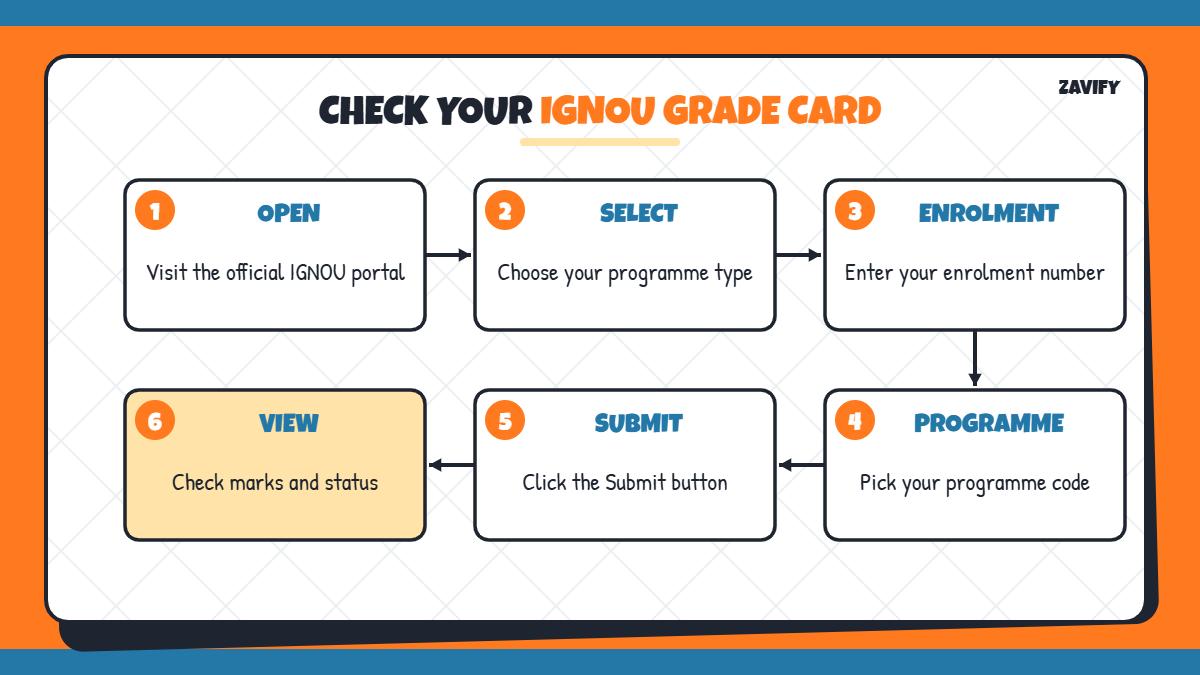
Type your enrolment number and select your programme code, such as BCOMG, BAG, MCA or MBA. Double-check both before you submit, because a wrong programme code shows no record.
5. View Your IGNOU Grade Card
Click Submit to open your record. You will see a table with every course code, assignment marks, theory marks, practical marks where applicable, and the final status.
6. Understand the Status Column
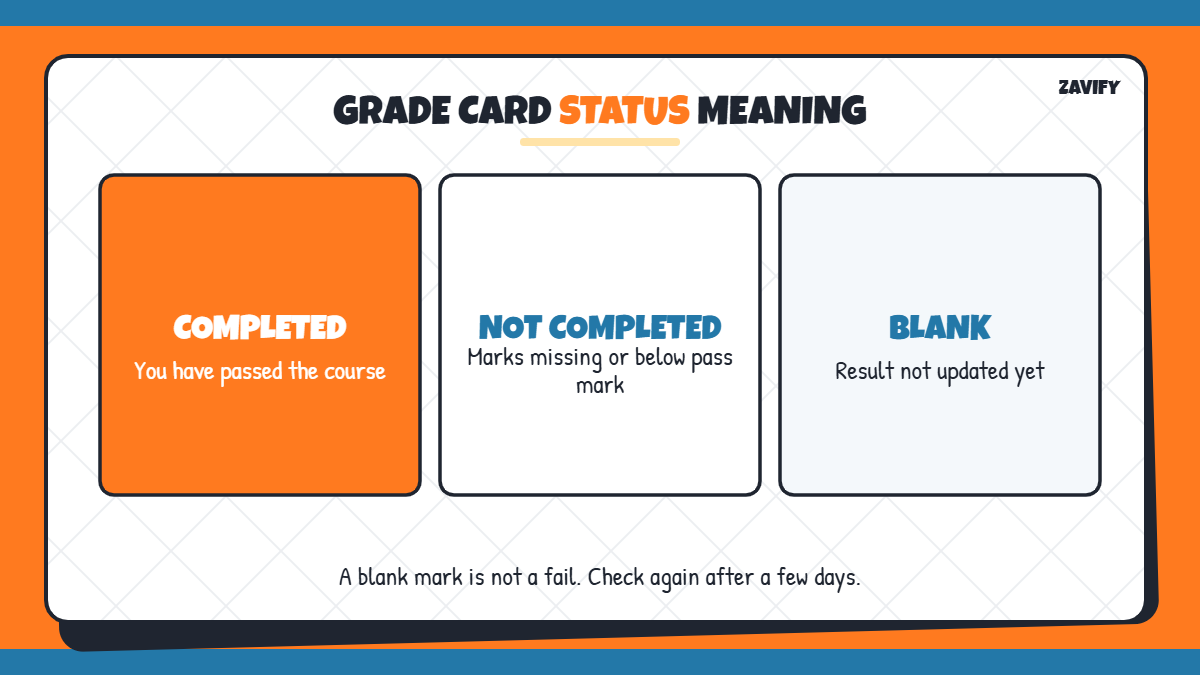
The status column is the quickest way to know where you stand:
- Completed: you have passed the course.
- Not Completed: TEE marks, assignment marks or practical marks are missing or below the pass mark.
- Blank marks: results for that component are not yet updated.
7. Check the Passing Criteria
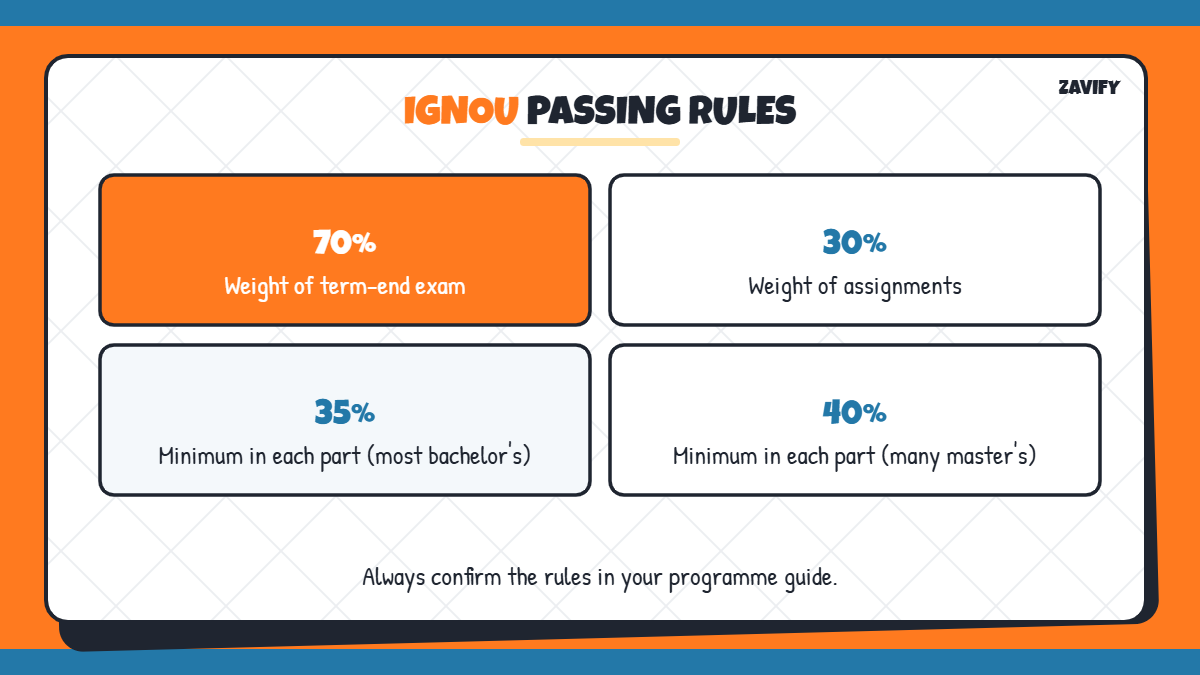
To complete a course, you must pass both the assignment and the TEE component. For most bachelor’s programmes, the minimum is 35% in each component, while many master’s programmes require 40%. Always check your programme guide, because rules can differ.
8. Download or Save the Grade Card
Take a screenshot or print the page as a PDF for your records. The online IGNOU grade card is not an official transcript, but it is useful for tracking progress and applying for re-evaluation.
9. Apply for Re-evaluation or Corrections
If you think a TEE mark is too low, you can apply for re-evaluation online after the result, usually by paying a fee per course. If assignment marks are missing, contact your study centre or regional centre with a copy of your submission receipt.
Latest IGNOU Grade Card Update
For the June 2026 term-end exams, IGNOU declared results in early September 2026, and updated grade cards were released soon after. If your marks are still missing, wait a few days and check again before contacting the university.
IGNOU Assignment Marks Explained
Assignments carry 30% weight in your final course result, so they matter as much as studying for the exam. Assignment marks are entered by your study centre after evaluation, which is why they sometimes appear later than your term-end exam marks.
If an assignment shows as missing, check that you submitted it before the deadline and kept the acknowledgement slip. You can resubmit assignments for the next session if you missed one, but the course will stay Not Completed until the marks are updated.
- Submit assignments before the official deadline.
- Keep the receipt or online submission confirmation.
- Follow up with your study centre if marks are missing after the result.
Convert IGNOU Grades Into Percentage
Many employers and universities ask for a percentage instead of a letter grade. Use the percentage ranges in the table above as a guide, or check your overall percentage in your final marksheet. To understand how grade-based systems work, read our guide on how to calculate CGPA.
Common Mistakes When Checking the IGNOU Grade Card
Many students worry unnecessarily because of these simple mistakes:
- Choosing the wrong programme code.
- Checking too early, before the result is updated.
- Confusing blank marks with a fail.
- Not keeping assignment submission receipts.
- Using unofficial websites that show old data.
Frequently Asked Questions
How can I check my IGNOU grade card?
Visit the official IGNOU grade card portal, enter your enrolment number, choose your programme code and click Submit.
What does Not Completed mean on the IGNOU grade card?
It means one or more components, such as TEE or assignment marks, are missing or below the pass mark.
How long does it take for the IGNOU grade card to update?
It usually updates within a few weeks after the TEE result, but assignment marks can take longer depending on the study centre.
Is the IGNOU grade card an official marksheet?
No. It is an online progress record. Your official marksheet and degree are issued after you complete the programme.
What is the passing mark in IGNOU?
For most bachelor’s programmes it is 35% in each component, and for many master’s programmes it is 40%.
Conclusion
Your IGNOU grade card is the easiest way to track your marks, grades and course completion. With your enrolment number and programme code, you can check it online in under a minute.
Read the status column carefully, keep your assignment receipts, and apply for re-evaluation when needed. Checking your IGNOU grade card regularly helps you finish your programme on time without surprises.