Introduction
Savitribai Phule Pune University (SPPU), also called Pune University, is one of the largest universities in India, with lakhs of students across engineering, commerce, science, arts, pharmacy and management. After every exam session, students search for their SPPU result online.
This guide explains how to check your SPPU result step by step, what details you need, how to read your marksheet, and what to do if your marks look wrong.
- SPPU results are published online on the official results portal.
- You need your seat number and mother’s name.
- The online marksheet is provisional until the original is issued.
Table of Contents
What Is the SPPU Result?
The SPPU result is the official announcement of marks for each semester or year exam conducted by Savitribai Phule Pune University. It is released separately for each course and session, such as the Summer (April–May) and Winter (October–November) exams.
Your result shows subject-wise marks, grades, credits, and your SGPA or CGPA where applicable, along with a pass or fail status.
- Seat number: printed on your hall ticket.
- PRN: your permanent registration number.
- SGPA/CGPA: your grade point averages.
How Does the SPPU Result Work?
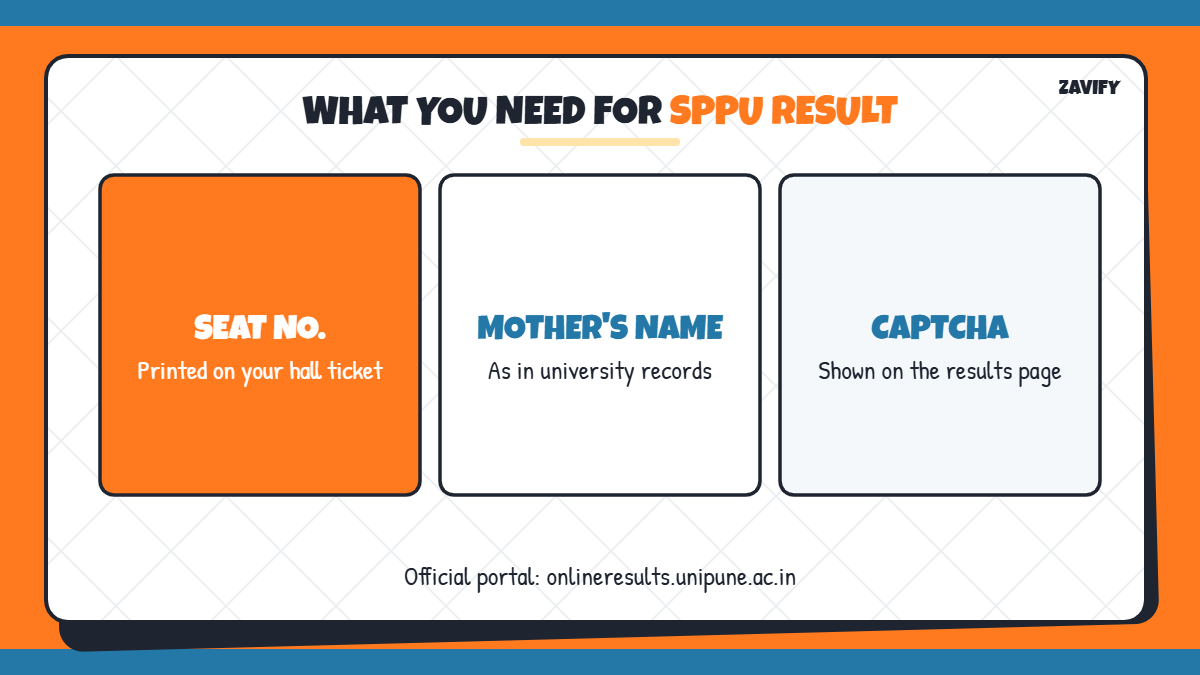
Here is a quick summary of what you need and what you get from the results portal:
| Item | Details |
|---|---|
| Official portal | onlineresults.unipune.ac.in |
| Login details | Seat number and mother’s name |
| Result sessions | Summer and Winter exams |
| Marksheet shows | Marks, grades, credits, SGPA/CGPA |
| After result | Photocopy and revaluation option |
Now let us go through each step one by one.
1. Keep Your Hall Ticket Ready
Your seat number is printed on your exam hall ticket. Keep it ready, along with your mother’s name exactly as it appears in university records.
2. Visit the Official SPPU Results Portal
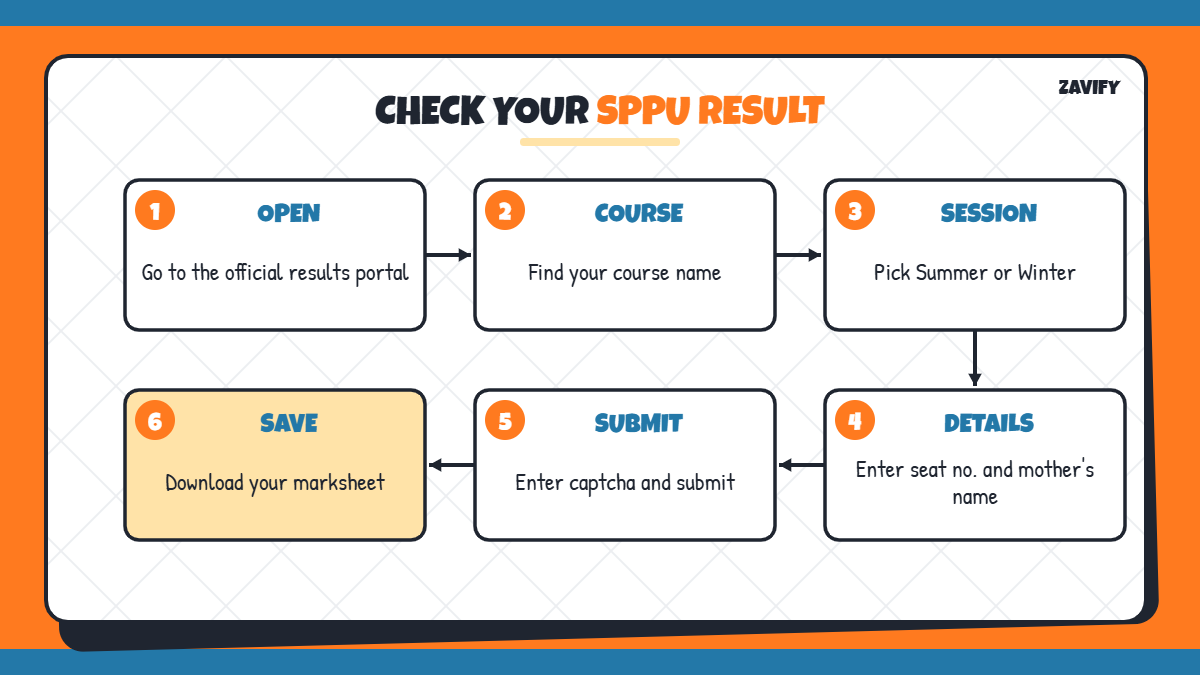
Open onlineresults.unipune.ac.in in your browser. This is the official page where all Pune University results are published. Avoid third-party sites that ask for extra personal information.
3. Find Your Course and Exam Session
The portal lists results by course name and exam session. Scroll or search for your course, for example BE, B.Com, B.Sc, BBA, MBA or B.Pharm, and select the correct session, such as Summer 2026.
4. Enter Your Seat Number and Mother’s Name
Type your seat number and mother’s name, then enter the captcha code shown on the screen. Make sure there are no extra spaces or spelling differences.
5. View Your SPPU Result
Click Submit to open your marksheet. You will see your name, PRN, course, subject-wise internal and external marks, grades and the final result status.
6. Check Your SGPA and CGPA
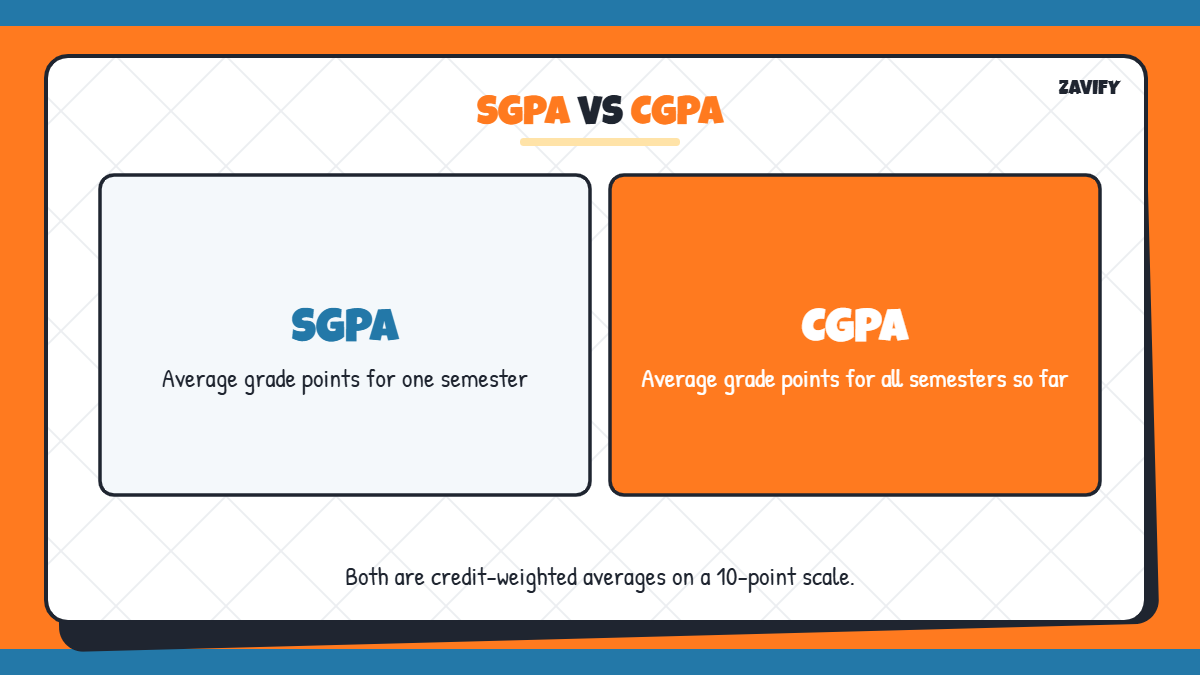
Most SPPU programmes use a credit-based grading system. Your SGPA shows your performance in one semester, while CGPA shows your overall average. To convert these into percentages, read our guides on CGPA to percentage for SPPU and SGPA to percentage.
7. Download and Save the Marksheet
Save the page as a PDF or take a printout. The online marksheet is provisional, so keep it safely until your college gives you the original marksheet.
8. Apply for Photocopy of Answer Sheet
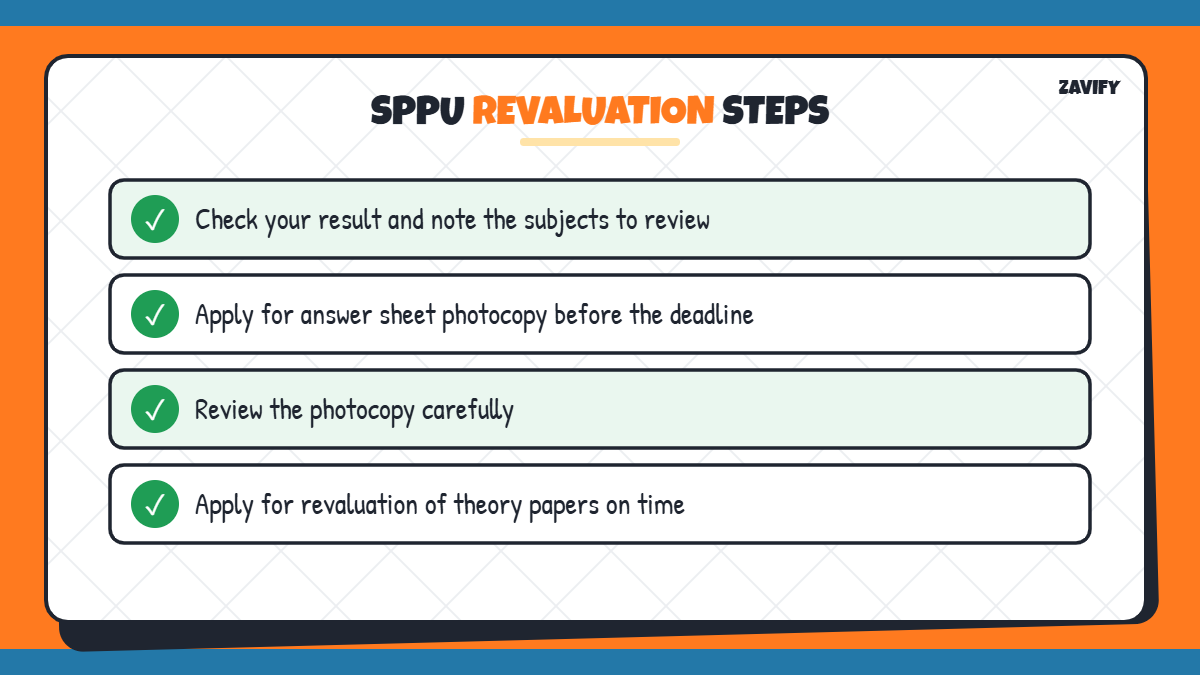
If you are not satisfied with your marks, first apply for a photocopy of your answer sheet through the university’s online portal within the deadline announced after the result. Check the notice for fees and dates.
9. Apply for Revaluation
After seeing the photocopy, you can apply for revaluation of theory papers within the given timeline. Revised marks are published on the university’s revaluation results page. Keep checking your college and the official website for updates.
Latest SPPU Result Updates
In 2026, SPPU has been declaring results course by course for the Winter 2025 and Summer 2026 sessions, including B.Pharm, M.Pharm, B.Sc, B.Com and M.Sc programmes. Since results are released at different times, check the portal regularly for your specific course.
Understanding the SPPU Grading System
SPPU follows a credit-based grading system for most programmes. Each subject carries a fixed number of credits, and your marks in that subject are converted into a grade point. Your SGPA is the credit-weighted average of grade points in a semester, and your CGPA is the average across all semesters completed so far.
Grades such as O (Outstanding), A+, A, B+, B, C and P are commonly used, while F means fail in that subject. Students who fail a subject can appear in the next backlog exam, and the updated marks appear in the following result.
- Higher credits mean a subject affects your SGPA more.
- A backlog does not stop you from checking other subject marks.
- Your final CGPA decides your class or division on the degree.
What to Do If Your SPPU Result Is Not Showing
Sometimes the portal shows an error or no record. This usually happens because the result for your course is not yet declared, the seat number was typed incorrectly, or the mother’s name does not match university records.
- Check the course and session name again.
- Try the mother’s name in capital letters.
- Wait if the result is marked as not yet declared.
- Contact your college exam section if the problem continues.
Common Mistakes When Checking the SPPU Result
Avoid these simple errors when you check your marks online:
- Selecting the wrong course or exam session.
- Entering the PRN instead of the seat number.
- Using unofficial websites for results.
- Missing the photocopy and revaluation deadlines.
- Not saving a copy of the provisional marksheet.
Frequently Asked Questions
Where can I check my SPPU result?
You can check it on the official SPPU results portal, onlineresults.unipune.ac.in.
What details are needed to check the SPPU result?
You need your seat number, your mother’s name and the captcha code shown on the page.
Is the online SPPU result valid as a marksheet?
It is a provisional result. The original marksheet is issued later through your college.
How can I apply for SPPU revaluation?
First apply for a photocopy of your answer sheet, then apply for revaluation online within the deadline.
How do I convert SPPU CGPA to percentage?
Use the conversion formula for your SPPU scheme. Our CGPA to percentage SPPU guide explains the steps.
Conclusion
Checking your SPPU result is quick once you know the steps. Keep your seat number and mother’s name ready, choose the correct course and session, and download your provisional marksheet.
If your marks look wrong, apply for a photocopy and revaluation on time. Checking the official portal regularly is the best way to get your SPPU result as soon as it is declared.