Introduction
Running social media for a brand, a small business or even a student club takes more time than most people expect. You need ideas, designs, captions, posting schedules, replies to comments and reports on what worked. Doing all of that by hand quickly becomes overwhelming.
That is where social media marketing tools help. This guide explains the main types of social media marketing tools, what each one does, how to choose the right ones for your budget and nine easy steps to build a simple, effective setup.
- Tools save time on planning, design, posting and reporting.
- Most teams need only a few, not dozens.
- Free plans are often enough to start.
Table of Contents
What Are Social Media Marketing Tools?
Social media marketing tools are software that help you plan, create, publish, monitor and measure content on platforms such as Instagram, TikTok, Facebook, LinkedIn, YouTube and X. Some focus on one task, like design; others combine several tasks in one dashboard.
Each social platform also offers its own free tools, such as built-in scheduling, insights and ad managers. Third-party tools become useful when you manage several accounts or want everything in one place.
- Native tools: built into each platform.
- All-in-one platforms: scheduling, inbox and analytics together.
- Specialist tools: design, video editing, listening or links.
How Do Social Media Marketing Tools Work?
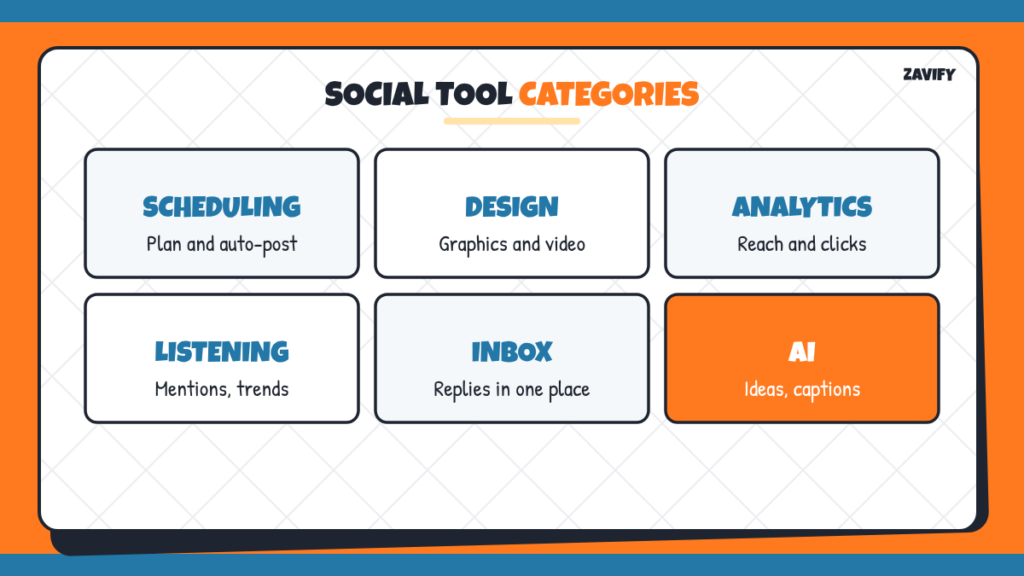
Here are the main categories of social media marketing tools and what they help with:
| Category | What It Does | Who Needs It |
|---|---|---|
| Scheduling and publishing | Plan and auto-post content across platforms | Almost everyone |
| Design and video | Create graphics, short videos and templates | Anyone posting visual content |
| Analytics | Track reach, engagement and clicks | Anyone reporting results |
| Social listening | Monitor mentions, keywords and trends | Brands and agencies |
| Unified inbox | Reply to comments and messages in one place | Busy accounts |
| Link-in-bio tools | Share several links from one profile link | Instagram and TikTok users |
| AI assistants | Brainstorm ideas, captions and hashtags | Everyone, with human editing |
Many social media management tools combine scheduling, inbox and analytics, while design tools stay separate.
1. Define Your Goals
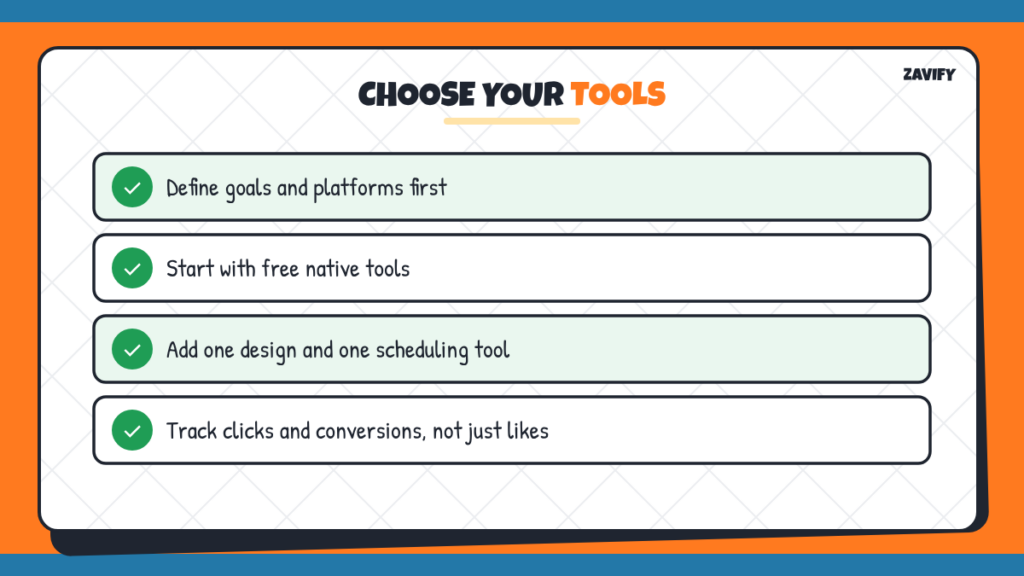
Decide what you want from social media: brand awareness, website traffic, leads, sales or community. Your goal determines which tools and metrics matter most.
2. List the Platforms You Use
Focus on the platforms where your audience spends time. A tool is only useful if it supports those platforms well.
3. Map Your Workflow
Write down your process: ideas, design, captions, approval, posting, replies and reporting. Look for the steps that take the most time; those are where tools help most.
4. Start With Native Tools
Try each platform’s built-in scheduling and insights first. They are free and often enough for one or two accounts.
5. Add a Design Tool
A template-based design tool helps you create consistent, professional graphics and short videos quickly, even without design training.
6. Choose One Scheduling Platform
If you manage several accounts, pick a scheduling platform that supports all of them, offers a content calendar and fits your budget. Test free trials before paying.
7. Set Up Simple Analytics
Track a few key numbers each month: reach, engagement rate, clicks and conversions. Use UTM links so your website analytics show which posts drive visits.
8. Use AI Carefully
AI tools can suggest ideas, captions and hashtags, but always edit for your brand voice and check facts. Our guide to AI in marketing explains how to use them responsibly.
9. Review Your Stack Every Few Months
Cancel tools you do not use and look for gaps. A small, well-used toolkit beats a large, confusing one.
Best Social Media Marketing Tools by Category
Rather than ranking specific brands, which change often, here is what to look for in the best social media marketing tools for each category:
- Scheduling: supports your platforms, has a visual calendar, allows team approvals and offers bulk scheduling.
- Design: brand kit, social templates, video editing and easy resizing.
- Analytics: clear dashboards, exportable reports and comparisons over time.
- Listening: keyword and brand alerts, sentiment tracking and competitor monitoring.
- Inbox: combined comments and messages, assignment to team members and saved replies.
Well-known examples include Hootsuite, Buffer, MeetEdgar, Sprout Social and Later for scheduling and management, Canva and CapCut for design and video, and each platform’s native analytics. Compare current features and prices on each vendor’s website before deciding.
A Simple Starter Stack
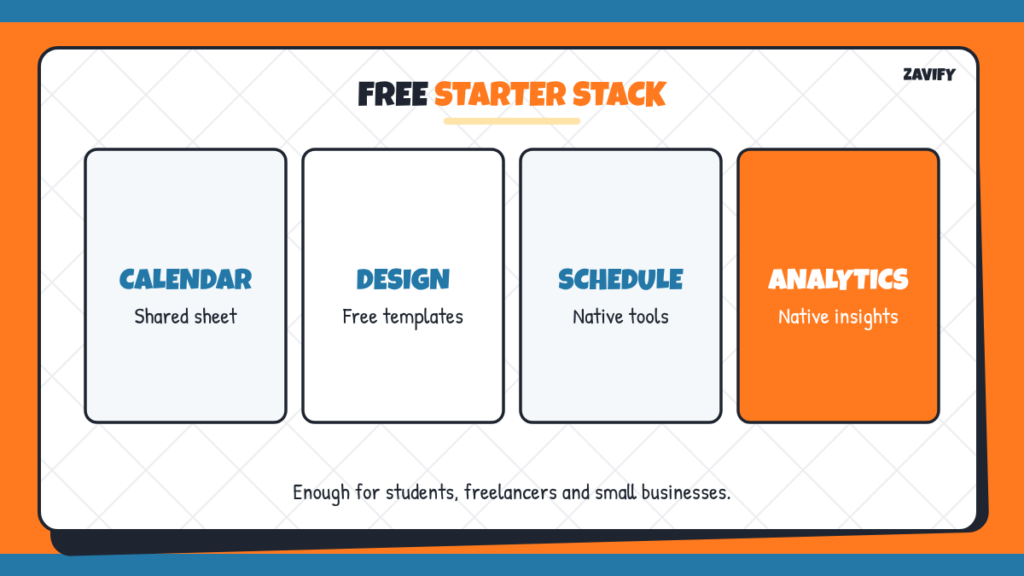
| Need | Free or Low-Cost Option |
|---|---|
| Planning | A shared spreadsheet or calendar |
| Design | A free design tool with templates |
| Scheduling | Native schedulers or a free plan of a scheduling tool |
| Analytics | Native insights plus website analytics |
| Ideas | An AI assistant, with human editing |
This setup costs little or nothing and works well for students, freelancers and small businesses.
Example: A Student Club
A university marketing club wants more members. It plans posts in a shared spreadsheet, designs graphics with free templates in its club colours and schedules a month of Instagram and LinkedIn posts in one afternoon using native tools. A link-in-bio page collects sign-ups. After each month, the team checks which posts drove the most sign-ups and makes more of those. With three free tools and two hours a week, membership grows steadily.
Digital Marketing and Artificial Intelligence courses help learners develop practical skills in SEO, social media marketing, content marketing, paid advertising, email marketing, and marketing analytics. Explore AI-powered tools for content creation, campaign optimisation, audience targeting, and performance tracking. Gain hands-on experience with modern digital marketing strategies, data-driven decision-making, and automation techniques to improve online visibility, attract customers, and build successful careers in the evolving digital marketing industry.
Rules to Keep in Mind
If you work with influencers or post sponsored content, US rules require clear disclosure of paid relationships. The FTC’s Disclosures 101 for social media influencers explains what to do. Also respect platform rules, copyright for music and images, and privacy when collecting information.
How Social Media Fits Your Marketing
Social media usually sits at the top of the sales funnel, building awareness and interest. It works best alongside other channels such as email marketing and your website. It is also a big part of “promotion” in the 4 Ps of marketing.
Building a Content Calendar
A content calendar is the backbone of any social media plan. Start with a simple monthly view listing dates, platforms, post topics, formats and who is responsible. Mix content types: educational tips, behind-the-scenes posts, customer stories, promotions and community questions. Plan around key dates for your audience, such as the start of a semester, holidays or product launches.
Batch your work: brainstorm a month of ideas in one session, design graphics in another and schedule everything in a third. Batching is where scheduling tools save the most time, and it frees you to spend daily time on what matters most, replying to people and joining conversations.
Measuring What Matters
Followers and likes are easy to see but often misleading. Connect your social metrics to business goals. If your goal is website traffic, track clicks and sessions from social. If it is sales, track conversions with UTM links and your website analytics. If it is community, track comments, shares and saves. Report a handful of meaningful numbers each month, explain what changed and decide what to try next.
Common Mistakes With Social Media Tools
These mistakes waste time and money:
- Paying for tools before trying free options.
- Using too many tools that do not connect.
- Scheduling posts and never replying to comments.
- Tracking likes instead of business results.
- Publishing AI captions without editing.
Frequently Asked Questions
What are social media marketing tools?
Software that helps you plan, create, publish, monitor and measure social media content.
What are the best social media marketing tools for beginners?
Native platform tools, a free design tool and a free scheduling plan are usually enough to start.
What are social media management tools?
Platforms that combine scheduling, a shared inbox and analytics for several accounts in one dashboard.
Do I need paid tools?
Not at first. Paid tools help when you manage many accounts, need team approvals or want advanced reports.
How do I measure social media success?
Track reach, engagement, clicks and conversions tied to your goals, not only likes and followers.
Do influencers need to disclose sponsored posts?
Yes. In the US, the FTC expects clear disclosure of paid or material relationships.
Conclusion
The right social media marketing tools save time and help you focus on what works. Start with your goals and workflow, use free options first and add paid tools only when they solve a real problem.
Keep your toolkit small, measure real results and review it regularly. For more, read our guides to email marketing and what a marketing manager does.