Introduction
Typing speed is a qualifying skill for many government jobs in India, including SSC CHSL, SSC CGL, court clerk and CPCT-based posts. Typing Baba is one of the most popular free websites students use to practise English and Hindi typing tests before these exams.
In this guide, we explain what the platform offers and nine practical ways to use it to increase your speed and accuracy.
- Free English and Hindi typing tests.
- Practice in Mangal and Kruti Dev fonts.
- Typing tutor lessons for beginners.
Table of Contents
What Is Typing Baba?
Typing Baba is a free online platform for typing practice. It offers typing tests, step-by-step tutor lessons, online keyboards, font converters and typing games. It also has a mobile app for practice on the go.
This guide is independent and not affiliated with the website. Always check your exam notification for the exact typing rules.
- Languages: English, Hindi, Marathi and Punjabi tests.
- Hindi fonts: Mangal (Unicode) and Kruti Dev.
- Test time: from 1 to 20 minutes.
How Does Typing Baba Work?
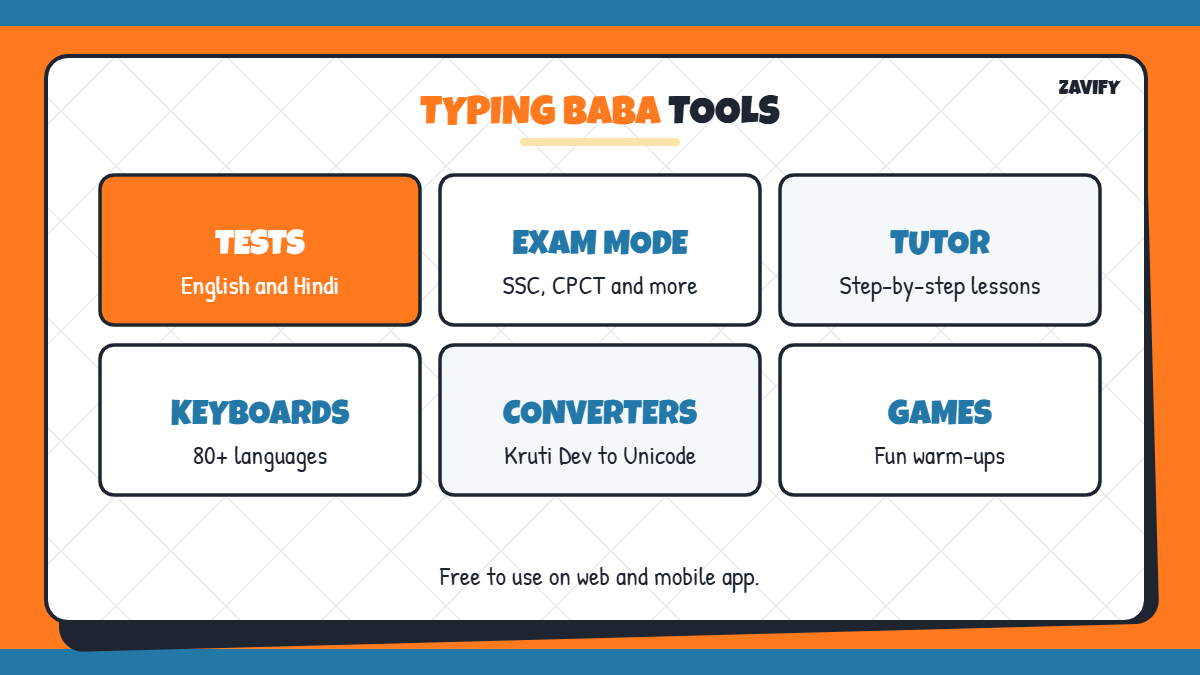
Here is a quick overview of the main tools you will use:
| Tool | What It Helps With |
|---|---|
| Typing tests | Checking speed (WPM) and accuracy |
| Exam mode tests | Practising SSC, CPCT and similar formats |
| English typing tutor | Learning touch typing in 56 lessons |
| Hindi typing tutor | Learning Hindi layouts step by step |
| Online keyboards | Typing in 80+ languages |
| Font converters | Kruti Dev to Unicode and more |
Now let us look at nine ways to use Typing Baba effectively.
1. Take a Baseline Typing Test
Start with a 5-minute English or Hindi test to find your current speed and accuracy. Write down your words per minute (WPM) and error count so you can track progress.
2. Learn Touch Typing With the Tutor
If you type with two fingers, start the typing tutor lessons. Learning the home row and correct finger placement is slow at first but gives much higher speed later.
3. Choose the Right Hindi Font
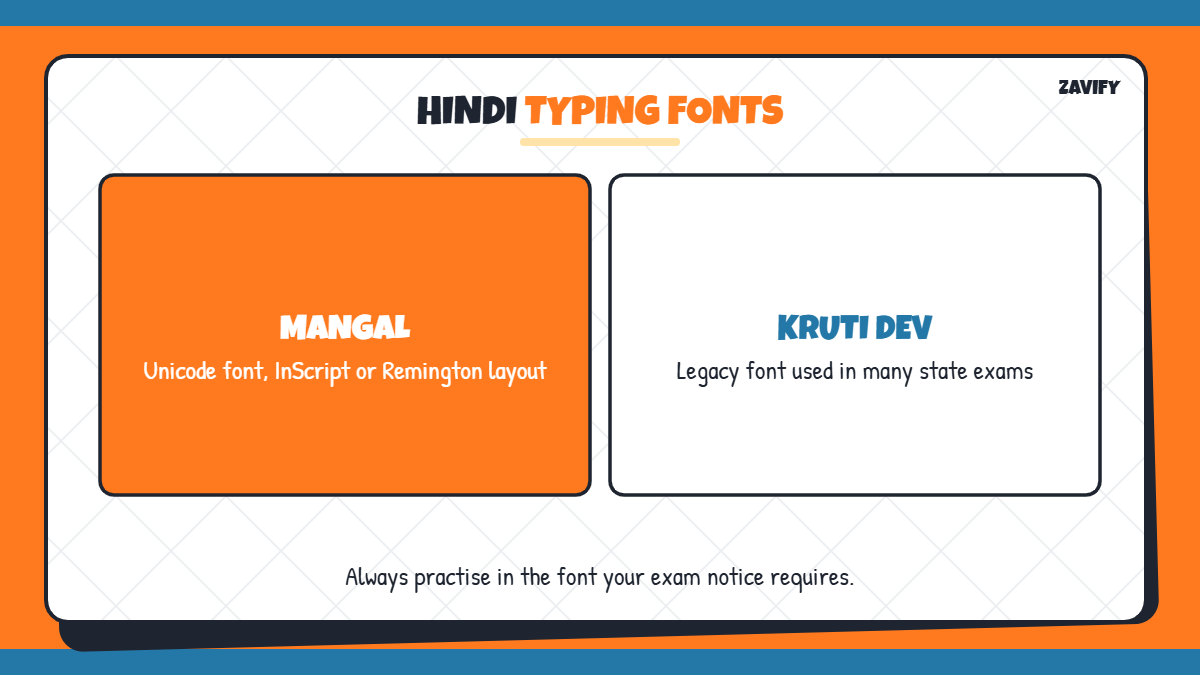
Hindi typing exams may use Mangal (Unicode, often with the InScript or Remington layout) or Kruti Dev. Check your exam notice and practise only in the required font and layout on Typing Baba.
4. Practise in Exam Mode
Exam mode tests copy the format of government typing tests, including fixed time limits and no backspace options in some cases. Practise in this mode at least three times a week before your exam.
5. Focus on Accuracy Before Speed
Most exams deduct for errors, so accuracy matters more than raw speed. Aim for at least 95% accuracy before trying to type faster.
6. Increase Test Duration Gradually
Start with short 2-minute tests, then move to 10 and 15-minute tests. Longer tests build the stamina you need in the real exam.
7. Use Typing Games for Warm-Up
Short typing games are a fun way to warm up your fingers before serious practice. Keep them brief so they do not replace real tests.
8. Track Your WPM Weekly
Record your best and average WPM each week. Steady progress of a few words per minute is normal and shows your practice is working.
9. Practise Daily on Mobile and Desktop
Use the app for short daily practice, but always do full tests on a computer keyboard, because the real exam uses a physical keyboard.
A Simple 30-Day Typing Baba Practice Plan
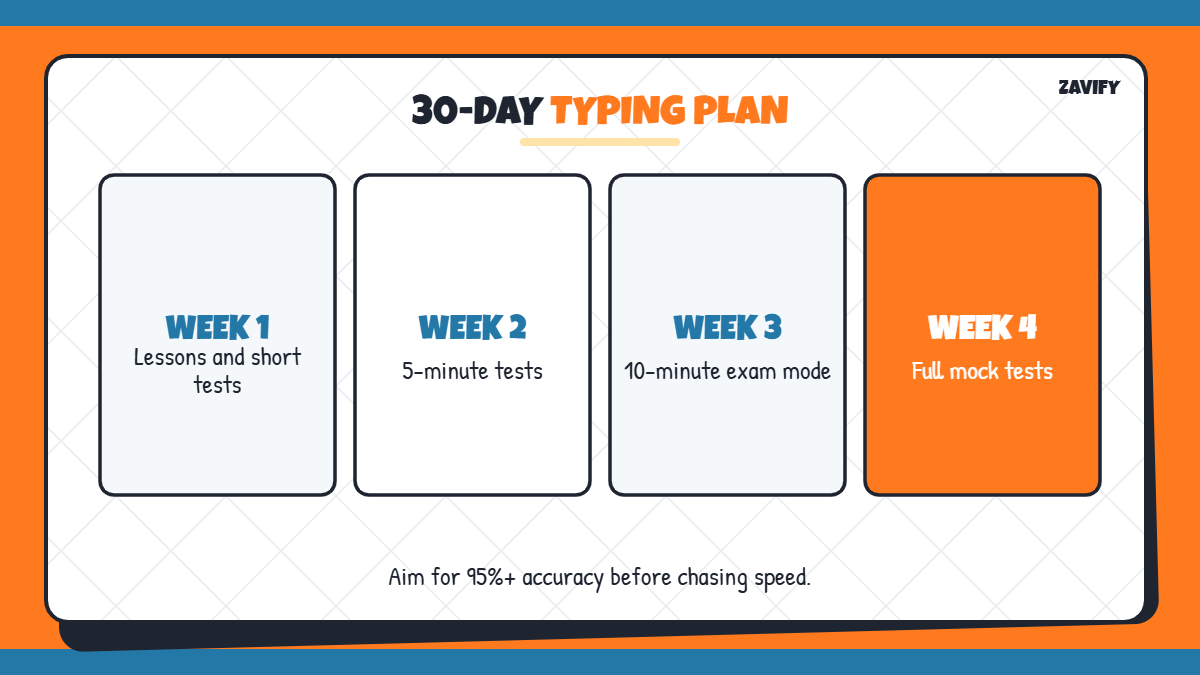
A structured routine helps you improve faster than random practice. In week one, spend 20 minutes on tutor lessons and 10 minutes on short tests. In week two, move to 5-minute tests in your exam language and font. In week three, practise 10-minute exam-mode tests daily and review your errors. In week four, complete full-length tests that match your exam time and aim for steady accuracy above 95%.
- Week 1: lessons and short tests.
- Week 2: 5-minute tests in your exam font.
- Week 3: 10-minute exam-mode tests.
- Week 4: full-length mock tests.
Correct Posture and Finger Placement
Sit straight with your feet flat, keep your wrists slightly raised and rest your fingers on the home row keys. Good posture reduces fatigue in long tests and helps you maintain speed until the end of the exam.
Typing Speed Required in Government Exams
Requirements differ by exam and post. For example, SSC CHSL posts such as LDC generally require about 35 WPM in English or 30 WPM in Hindi, while other posts use key depressions per hour. Always check the latest official notification for your exam, because rules can change.
- Read the typing rules in the notification.
- Practise in the exact language and font required.
- Train for the full test duration.
Typing Baba vs Other Typing Sites
Many free typing sites exist, but Typing Baba stands out for Hindi fonts and exam-style tests. International sites are great for English speed, but they rarely offer Kruti Dev or Mangal practice. Many students combine both types of sites.
Common Mistakes When Practising Typing
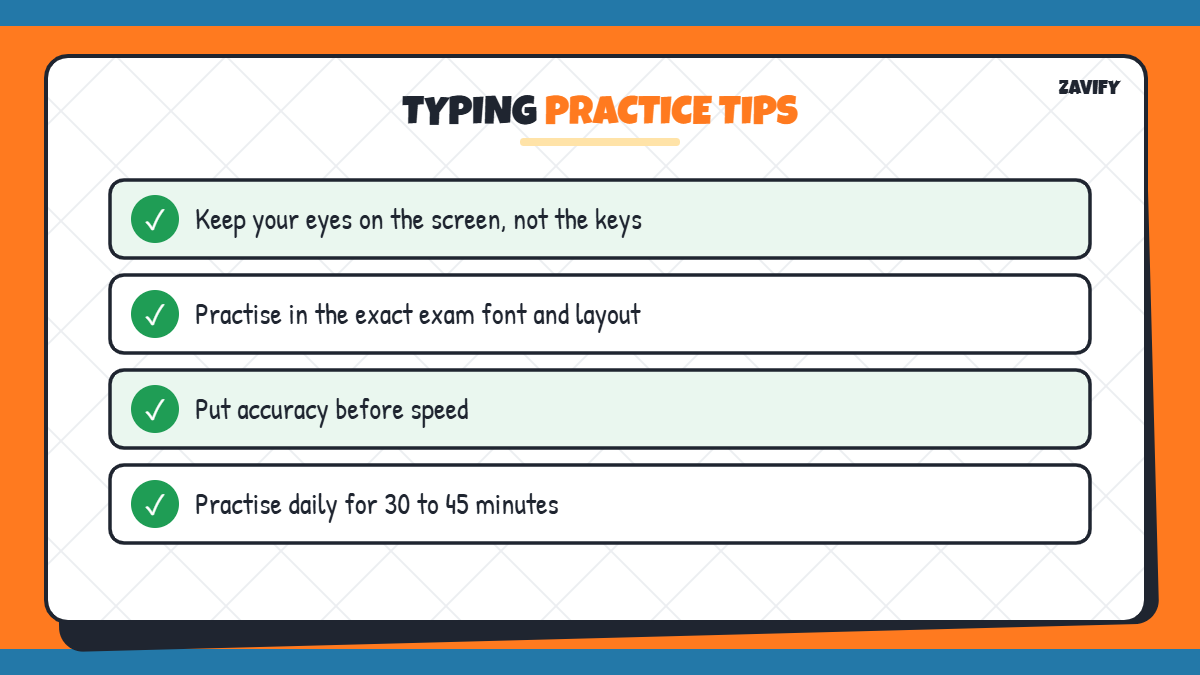
These habits slow down progress:
- Looking at the keyboard while typing.
- Practising in the wrong Hindi font or layout.
- Ignoring accuracy to chase speed.
- Only doing short tests before a long exam.
- Practising irregularly instead of daily.
Frequently Asked Questions
Is Typing Baba free?
Yes. Its typing tests, tutor lessons and most tools are free to use.
Does Typing Baba have Hindi typing tests?
Yes. It offers Hindi typing tests in fonts such as Mangal and Kruti Dev.
Can I practise SSC typing tests on Typing Baba?
Yes. It provides exam-style tests for SSC, CPCT and other government exams.
How long does it take to reach 35 WPM?
With daily practice of 30 to 45 minutes, many beginners reach 35 WPM within two to three months.
Is there a Typing Baba app?
Yes. A mobile app is available for English and Hindi typing practice.
Conclusion
Baba Typing is a great free typing platform for anyone preparing for government typing tests. Begin with a baseline test, learn touch typing, practise with the correct font and use exam mode regularly.
Focus on accuracy, build stamina with longer tests and track your WPM every week. For more study techniques, read our exam strategy guide.