Introduction
Imagine trying to remember every customer you have spoken to, what they said, which deals are close to closing and who needs a follow-up tomorrow. For a few contacts, a notebook works. For dozens or hundreds, you need a system. That system is a CRM.
This guide explains what a sales CRM is, what it does, the features that matter, popular options and nine easy steps to choose and use one, whether you are starting your first sales job or setting up a small business.
- CRM stands for customer relationship management.
- A sales CRM stores contacts, deals, activities and notes.
- It helps sellers follow up and managers forecast.
Table of Contents
What Is a Sales CRM?
A sales CRM is software that helps sales teams manage relationships with potential and existing customers. It stores contact details, tracks every interaction, organises deals into a pipeline and reminds sellers what to do next.
Instead of scattered spreadsheets, emails and sticky notes, everything lives in one shared place. That means anyone on the team can see the history of a customer, and managers can see the state of every deal.
- Contacts and companies: who you are talking to.
- Deals: potential sales and their stages.
- Activities: calls, emails, meetings and tasks.
How Does a Sales CRM Work?
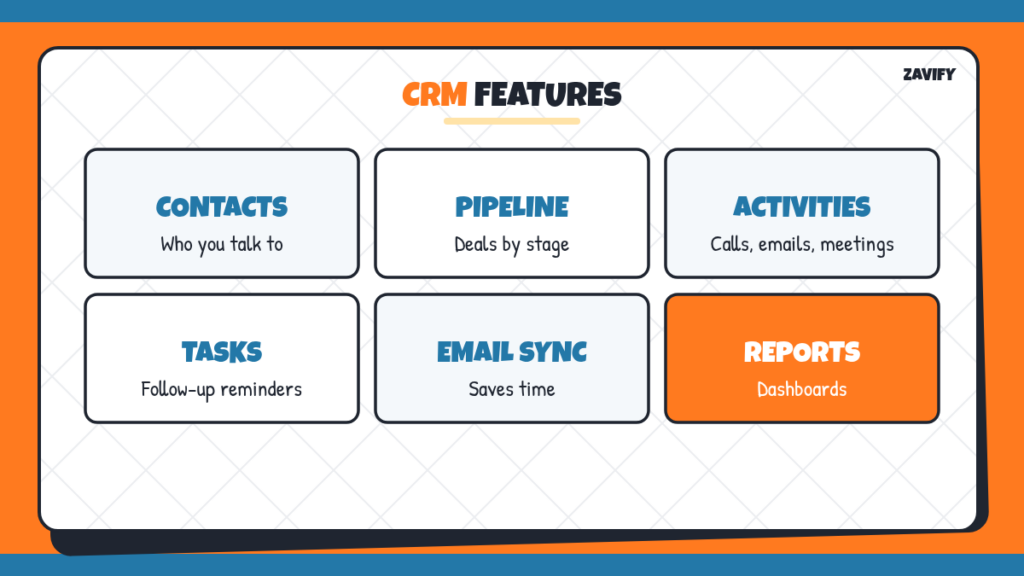
Most sales CRM platforms share a core set of features:
| Feature | What It Does | Why It Matters |
|---|---|---|
| Contact management | Stores names, roles, emails and history | No lost information |
| Pipeline view | Shows deals by stage | Prioritise the right deals |
| Activity tracking | Logs calls, emails and meetings | Complete customer history |
| Tasks and reminders | Schedules follow-ups | Fewer forgotten leads |
| Email integration | Syncs and tracks emails | Saves time |
| Reports and dashboards | Shows performance and forecasts | Better decisions |
Many CRMs also include automation, such as sending follow-up emails or assigning new leads to the right rep.
1. Define What You Need
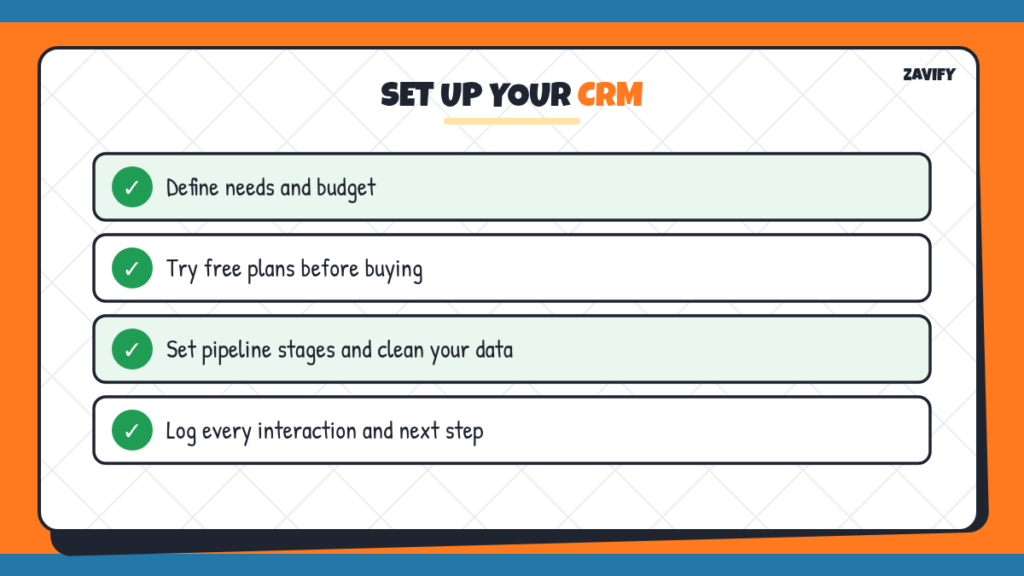
List your must-haves: number of users, pipeline stages, email integration, reporting and budget. A small business needs far less than a large sales organisation.
2. Compare Popular Options
Look at a few well-known CRMs such as Salesforce, HubSpot, Pipedrive and Zoho CRM. Each has different strengths, pricing and complexity.
3. Try Free Plans or Trials
Most CRMs offer a free plan or trial. Test them with real tasks: add contacts, create deals and log activities. Choose the one your team finds easiest to use.
4. Set Up Your Pipeline Stages
Create stages that match how customers buy. Our guide to the sales pipeline explains how to define stages and exit criteria.
5. Import Contacts Carefully
Before importing into your sales CRM, clean your data: remove duplicates, fix formatting and fill in missing fields. Good data from the start saves hours later.
6. Log Every Interaction
Record calls, emails and meetings right after they happen. Many CRMs can sync email and calendars automatically, which makes this easier.
7. Use Tasks for Every Next Step
After each conversation, create a task with a due date. This keeps deals moving and prevents leads from going cold.
8. Build Simple Reports
Set up a dashboard with your key numbers: pipeline value, deals by stage and activity levels. Our guide on how to track sales progress covers which metrics to include.
9. Keep Your Data Clean
Review your records regularly, update stages, close dead deals and merge duplicates. A CRM is only as useful as the data inside it.
Popular CRM for Sales Teams
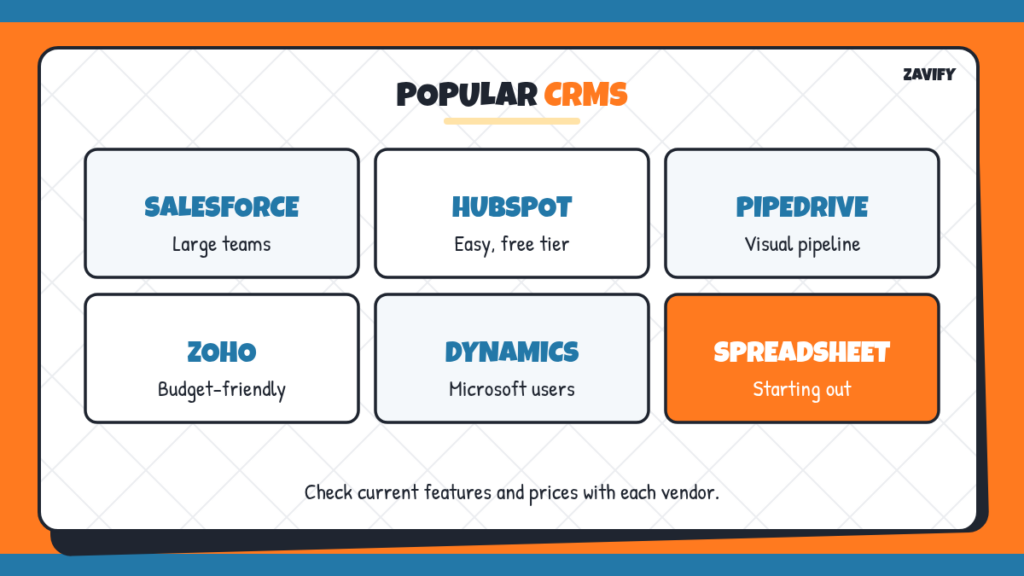
Here is a brief, neutral overview of common choices. Features and prices change often, so check each vendor’s website before deciding.
- Salesforce: highly customisable and widely used by large companies.
- HubSpot: known for ease of use and strong marketing integration, with a free starter tier.
- Pipedrive: focused on visual pipeline management for small and mid-size teams.
- Zoho CRM: a broad suite at budget-friendly prices.
- Microsoft Dynamics 365: popular with companies already using Microsoft tools.
Why CRM Skills Matter for Your Career
Almost every sales job in the US uses a CRM daily. The US Bureau of Labor Statistics notes that sales representatives keep records of customers and sales, which today usually means a CRM. Listing CRM experience on your resume, even from a free plan, course or internship, shows employers you can get up to speed quickly. Free learning resources from major CRM providers can help you build skills before your first job. Read our sales careers guide for more ways to prepare.
A Simple Example
A small marketing agency starts using a CRM. Each new enquiry from its website automatically creates a contact and a deal in the “new lead” stage. The owner gets a task to call within 24 hours. After the call, notes are added, the deal moves to “proposal,” and a reminder is set to follow up in three days. At the end of the month, a dashboard shows that most won deals came from referrals, so the agency starts a referral program. That is the CRM working as intended: organising work and revealing insights.
CRM vs Spreadsheet
| Feature | CRM | Spreadsheet |
|---|---|---|
| Activity history | Automatic and complete | Manual and patchy |
| Reminders | Built in | Not built in |
| Team collaboration | Easy and permissioned | Risk of overwriting |
| Reporting | Dashboards included | Must build yourself |
| Cost | Free to paid | Usually free |
Spreadsheets are fine for students and very small businesses starting out. As soon as several people share leads, a CRM saves time and prevents mistakes.
How to Get Your Team to Actually Use It
The biggest reason CRM projects fail is not the software but adoption. Keep the setup simple at first, with only the fields and stages people really need. Show reps how the tool saves them time, for example by automating follow-up reminders or logging emails automatically. Use the CRM in every pipeline review, so it becomes the single source of truth. Celebrate good data habits rather than only chasing people who forget.
Integrations Worth Setting Up
Connecting your CRM to the tools you already use multiplies its value. Email and calendar sync logs conversations automatically. Website forms can create new leads instantly. Phone or video tools can record calls. Accounting software can show which customers have paid. Start with email and calendar sync, which give the biggest time savings for the least effort.
CRM Terms You Will Hear
- Lead: a potential customer not yet qualified.
- Contact: a person stored in the CRM.
- Account: a company you sell to.
- Opportunity or deal: a potential sale being worked on.
- Activity: a logged call, email, meeting or task.
Mobile CRM Apps
Most major CRMs offer mobile apps, which are especially useful for outside sales reps who spend time on the road. Logging a meeting from your phone straight after it ends keeps your records accurate and saves end-of-day admin.
How Much Does a Sales CRM Cost?
Pricing varies widely. Several providers offer free plans with basic contact and deal management, which are often enough for students, freelancers and very small teams. Paid plans are usually priced per user per month and add features such as automation, advanced reporting and integrations. Enterprise plans for large organisations cost considerably more and often include custom setup. Before upgrading, check whether you will really use the extra features; many small teams pay for tools they never switch on.
Remember to count the hidden costs too: time spent on setup, data cleaning and training. A simpler, cheaper CRM that everyone uses is usually a better investment than a powerful one that nobody opens.
Common Sales CRM Mistakes
These mistakes reduce the value of any CRM:
- Not logging activities consistently.
- Creating too many fields and stages.
- Importing messy, duplicate data.
- Using the CRM only for reporting, not daily work.
- Choosing a tool that is too complex for the team.
Frequently Asked Questions
What is a sales CRM?
Software that helps sales teams manage contacts, deals, activities and follow-ups in one place.
What does CRM stand for?
Customer relationship management.
What is the best CRM for sales?
It depends on your team size, budget and needs. Salesforce, HubSpot, Pipedrive and Zoho CRM are popular options.
Is there a free sales CRM?
Yes. Several providers, including HubSpot and Zoho, offer free tiers with basic features.
Do I need CRM experience for a sales job?
It helps. Most employers train new hires, but familiarity with any CRM is a plus on your resume.
What is the difference between a CRM and a sales pipeline?
The pipeline is a view of deals by stage; the CRM is the software that stores the pipeline along with contacts and activities.
Conclusion
A sales CRM keeps every contact, deal and conversation in one place, helping sellers follow up and managers forecast. The best CRM is the one your team actually uses every day.
Define your needs, test a few options and build good habits from the start. For related guides, read sales pipeline and inside sales.